Review video testimonials before they reach your audience
Route new video testimonials into consent-aware follow-ups and choose whether new submissions appear on a widget immediately or wait for review.
- Creator Platform

Start a follow-up from the right submission
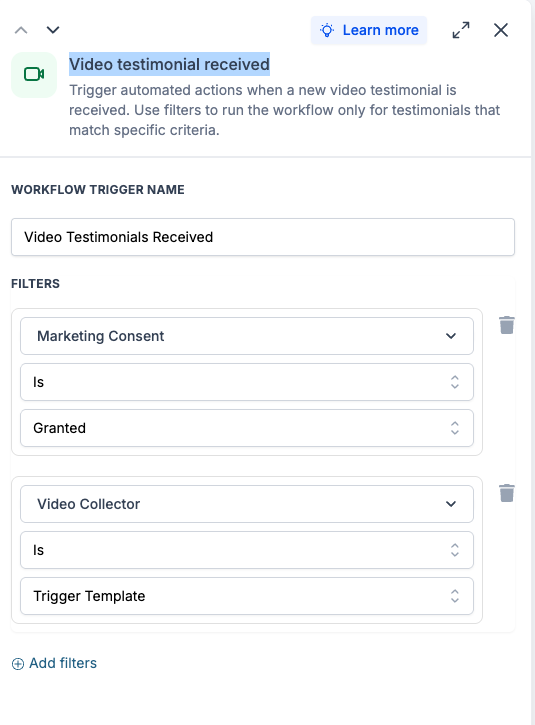
The Video Testimonial Received workflow trigger can respond to a new submission through a Video Testimonial Collector. Filter by collector and whether marketing consent was granted before choosing the follow-up.
Supported workflow values include the collector, submission time, video link and reviewer details. Use those values only for the permissions and purpose that apply to the submission.
Choose what reaches the widget
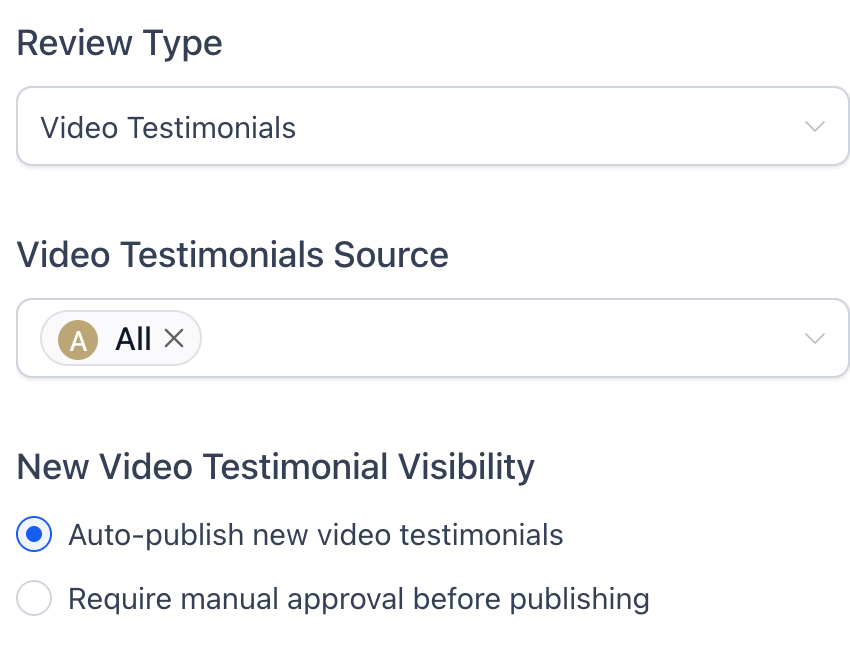
In Reputation widget settings, new video testimonials can publish automatically or require manual approval. Auto-publish is the default, so review that choice when you want a person to check submissions first.
Video Testimonials → Responses also shows review and widget-visibility status. Show or hide individual submissions from there when you need more control.