Reach your platform copilot from your phone
Use the native copilot through a verified WhatsApp connection or supported mobile voice controls, and find the mobile notification check when alerts stop arriving.
- Creator Platform

Use your own verified WhatsApp connection
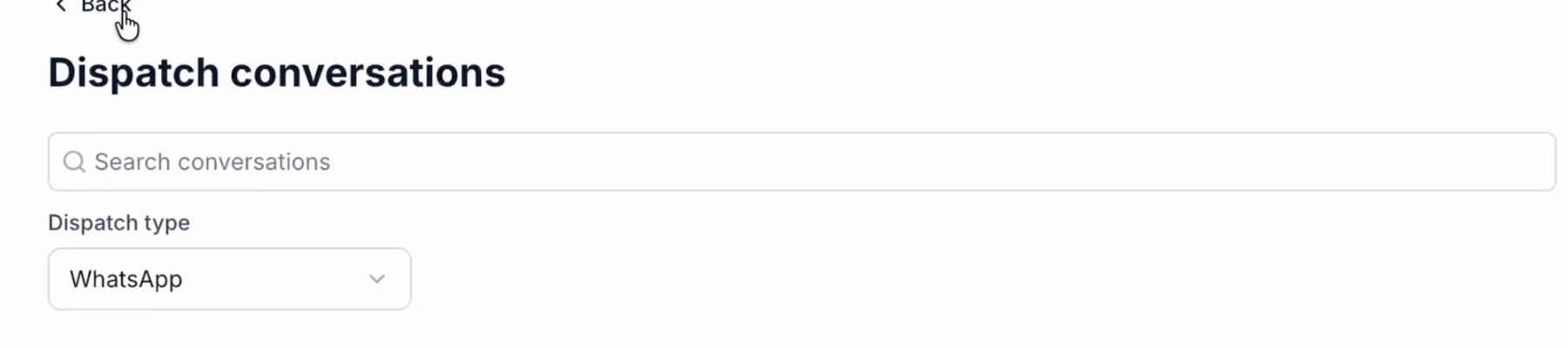
Where Ask AI and Dispatch are available, the native Creator Platform copilot can be reached through WhatsApp. Open Customize → Dispatch, connect your own number and complete the verification shown in the app.
The connection belongs to the user who completes it. WhatsApp conversations remain available in Dispatch, and normal native copilot permissions and usage limits apply. Review supported actions and their approvals before requesting changes to business records or communication.
Speak instead of typing
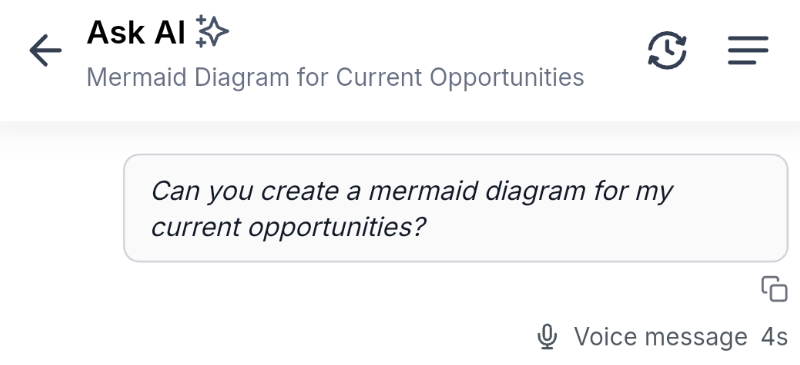
Supported mobile Ask AI builds offer a microphone control for voice input and spoken replies. Allow microphone access when you choose to use it. The conversation also keeps a text transcript.
You can interrupt a spoken response, answer an approval card by touch and return to the same thread after a temporary connection loss. Availability follows the installed app, account access and existing AI limits.
Find the mobile notification check
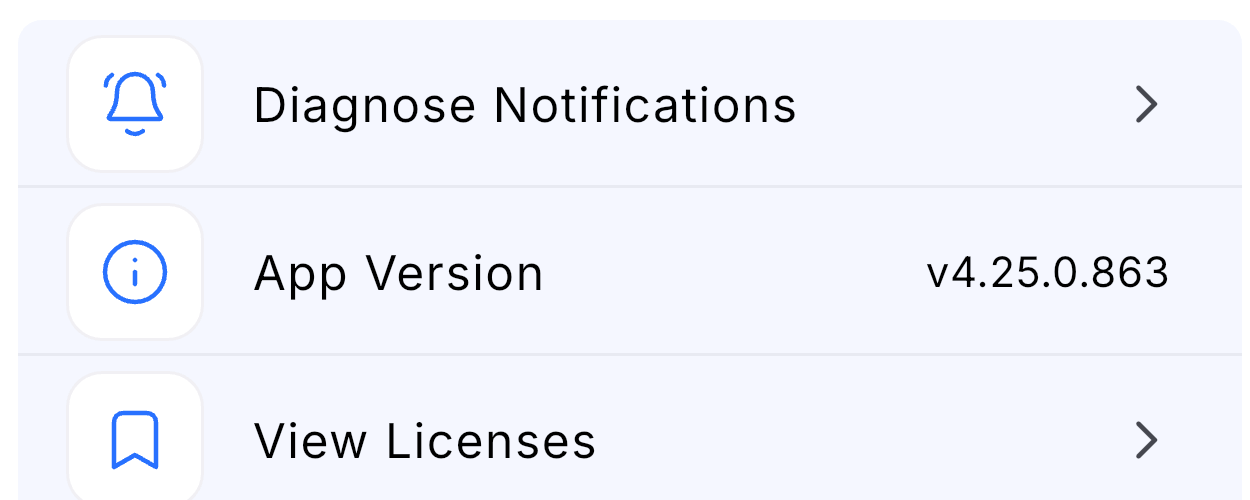
Supported mobile apps from version 4.25.0 include Settings → Diagnose Notifications. It checks network, notification permission and sound, then sends a real test notification for you to confirm.
The result identifies checks needing attention and can be copied into a support request. Delivery still needs confirmation on the actual device.