Set Company fields and contact links with your agent
A connected agent can now add a missing Company field, fill a verified value on a Company record, and add or read an explicit user-defined Contact-Company link. Primary Company, unlink and custom objects stay outside this work.
- Creator Agents
- Creator Platform

When one person works with more than one company
A product team often has a consultant, buyer or founder who works with more than one customer company. You may want that person on each company, and a field on the company such as customer segment. A Company is the CRM record for the business. A Contact is the person.
Ask the connected agent to set the field
Ask your Creator Labs-connected agent. It can list the Company fields already in this account and create a missing one. It can then create a Company record or update a verified field value on a company you already have.
Listing fields needs CRM field read access. Creating a field also needs write access. Reuse a field that already matches the meaning and type instead of adding a duplicate.
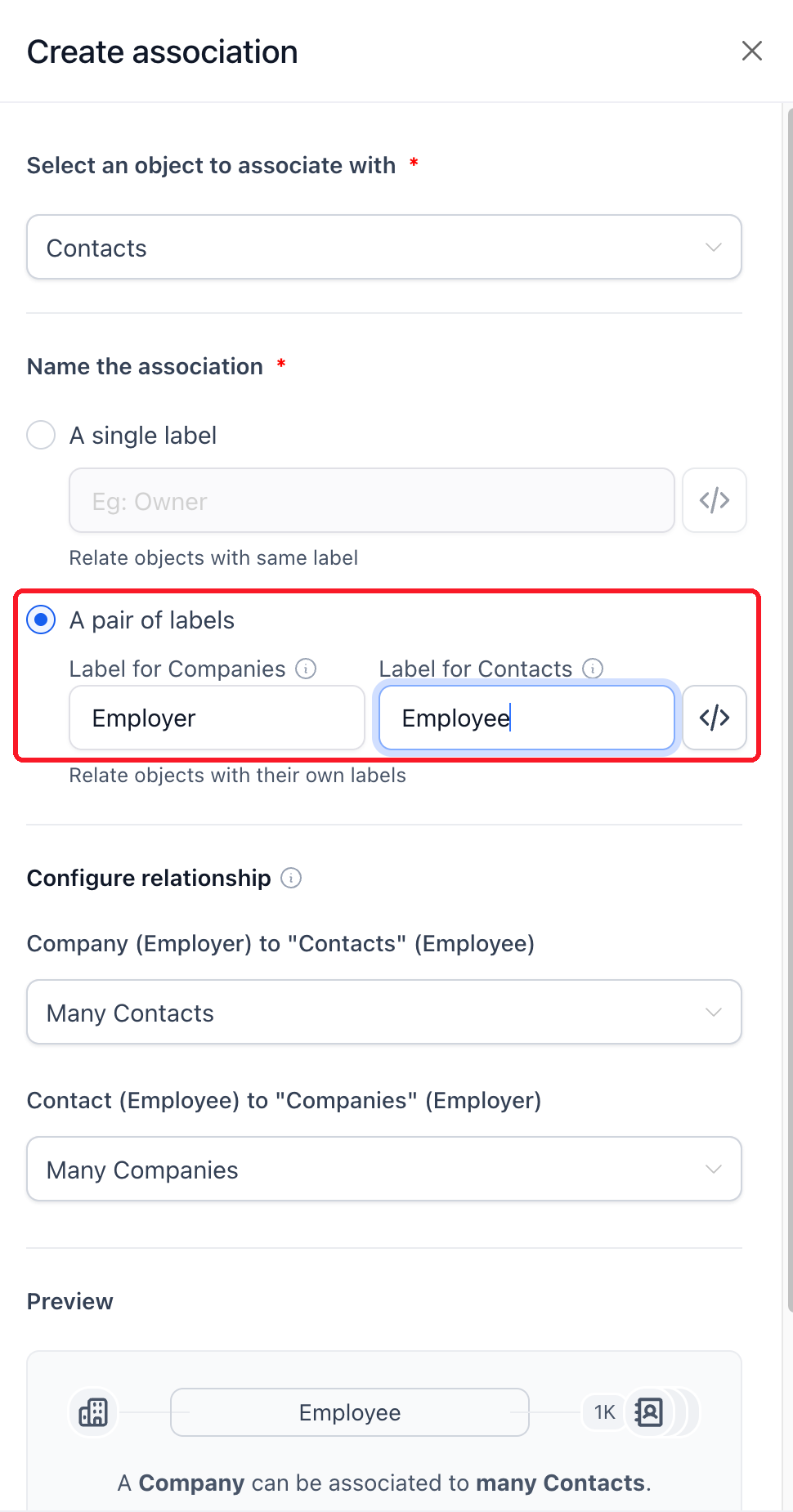
Link the contact with a user-defined association
The agent can add and read an explicit Contact-Company link when the account already has a suitable user-defined association, such as a paired Employer and Employee label. Primary Company stays a separate system relationship with one company per contact. This work does not assign or replace Primary Company.
What this does not do
These actions do not delete objects, create a custom object, unlink a relationship, or send outreach. A tool that only returns a Creator Platform screen has handed off that step. Access still depends on the connected account.