Use a photo from your library to make a new image or video
Choose a saved photo in agent chat or ask for it by name. Use it as a reference for a new image or as the first frame of a video, without uploading it again.
- Creator Platform
Start with a photo you already have
Say you’re making a launch clip for a new speaker. You already have a photo called “blue speaker” in your Media Library. Ask your agent, “Use the blue speaker photo as the first frame of a short video. Slowly zoom in on the volume dial.” You don’t need to find the original on your computer.
Choose a photo in chat
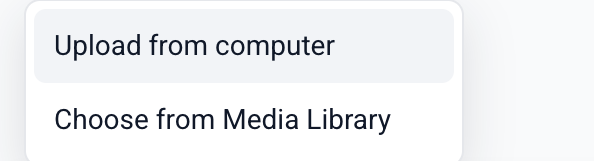
In Creator Platform, open Managed Agents in Agent Studio under AI Agents. Use an agent with Image or Video Generation enabled. In its chat, select + and then Choose from Media Library to pick the photo yourself, or ask the agent to find it by name.
For a still image, describe what you want and use the photo as a visual reference. For a video, the photo can be the opening frame. The picker accepts images up to 20 MB, including PNG, JPEG, WebP, GIF and SVG. You can’t select a video file as the input.