See who can read your email before you connect an inbox
Before you connect Gmail or Outlook, Creator Platform explains which messages sync, who can read them and what stays if you disconnect.
- Creator Platform

What your team can see
Suppose a beta tester on your contact list emails you candid feedback. If you connect your inbox, email with people already in your contact list starts syncing, and other users in your account can read those messages. If you belong to several accounts, sync can reach all of them. Disconnecting later does not remove messages that have already synced.
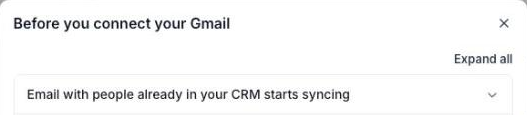
Read the notice before you decide
In Creator Platform settings, open My Profile, then Email and conversations. Choose Gmail or Outlook and select Connect. You can expand each point before deciding whether to continue. Checking the box records who read the notice and when across your accounts. It does not authorize a connection or change any settings.
If your inbox is already connected, you’ll see the notice once. Your sync hasn’t changed. Choose How email sync works in your email sync settings to read it again.