Keep WhatsApp replies on track and message content current
Button and list replies follow the selected branch, workflows can show a deliberate typing indicator, and template or snippet edits reach future sends.
- Creator Platform
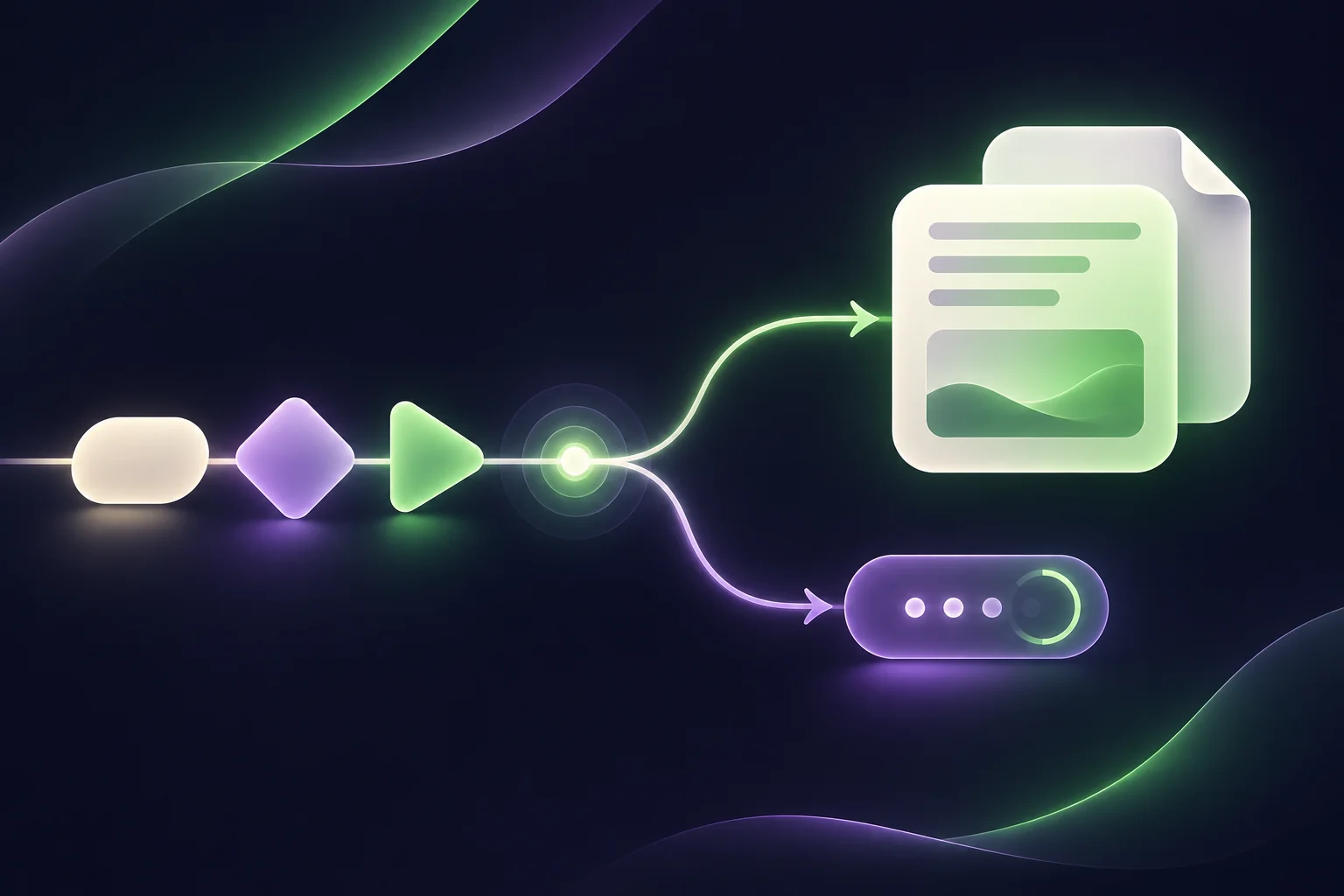
Follow the answer your customer chose
For consent-based product support and customer re-engagement, a button tap should move the conversation forward rather than trigger a reminder for an answer already given. WhatsApp workflow replies now match the chosen button or list branch when option labels include custom values.
If a custom value makes a button label longer than 20 characters or a list option longer than 24, the label is shortened with an ellipsis while keeping the intended branch. This fixes long-label failures; it does not remove other message-delivery requirements. The branch fix applies to existing workflows without a re-save.
Show typing only when a real reply is coming
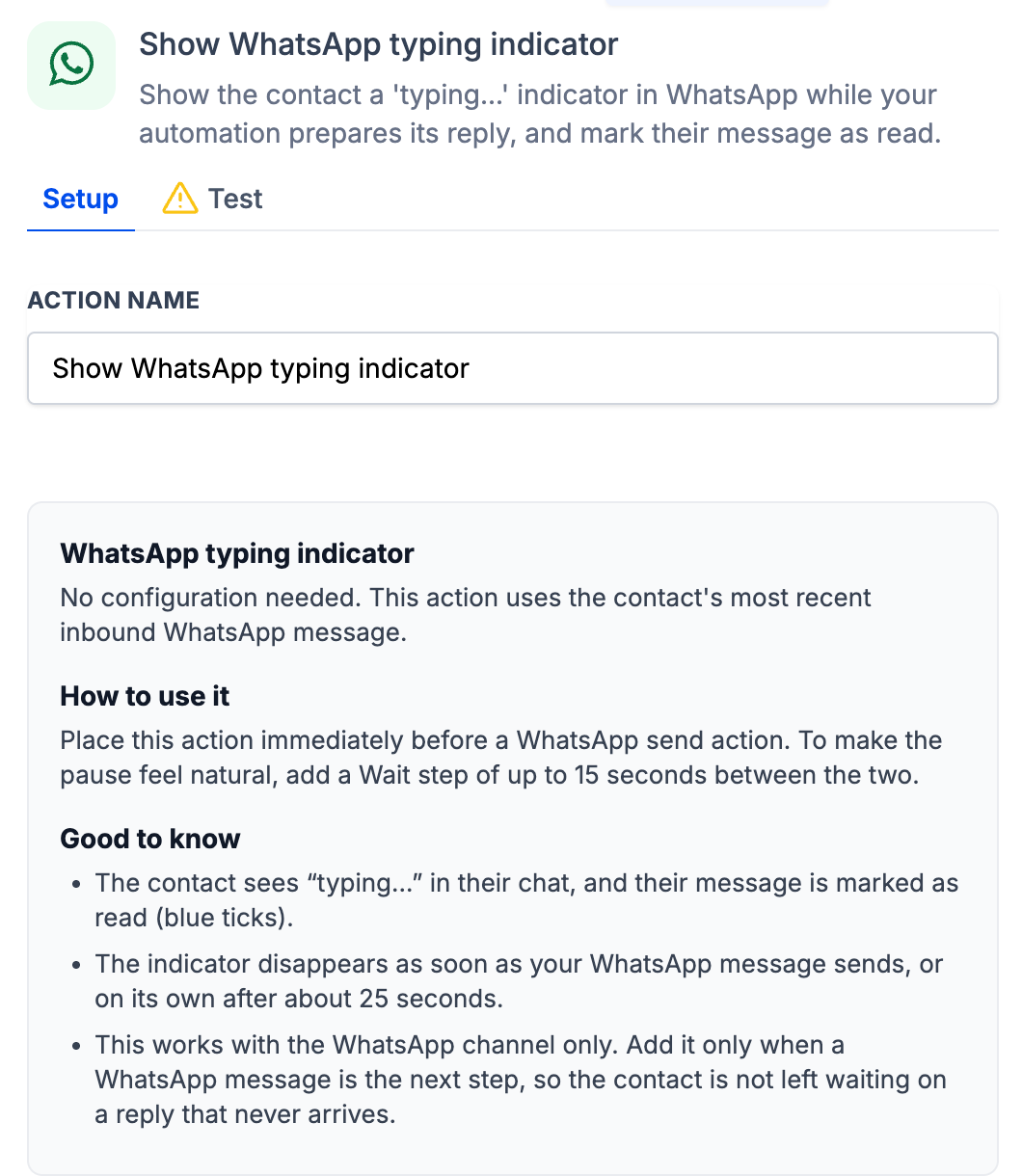
In Automation → Workflows, open a workflow triggered by an incoming WhatsApp message. Add Show WhatsApp typing indicator immediately before the reply step where it is useful.
The action deliberately marks the incoming message as read. The indicator clears when the reply arrives or after 25 seconds, whichever comes first. Add it only where the workflow will actually answer, not to suggest a response that will never come.
Update content once, with one legacy-step check
WhatsApp workflow sends now use the latest template content at send time, including variables added after the step was configured. Snippet edits also flow into future workflow sends. Messages already sent do not change.
For a workflow step using a snippet that was saved before this release, open that step in Automation → Workflows and save it once. After that, it picks up later snippet edits automatically. This one-time step is separate from the automatic button and list routing fix.
Keep your existing messaging checks
These are Creator Platform workflow changes. A connected WhatsApp account, appropriate permissions, customer consent, template approval and applicable customer-service-window rules still matter. Review support and re-engagement messages with those conditions in place before enabling a workflow.