Bring product-learning events into your member portal
Help members find learning events, save sessions to a personal agenda and stay connected inside the portal they already use for courses and community.
- Creator Platform
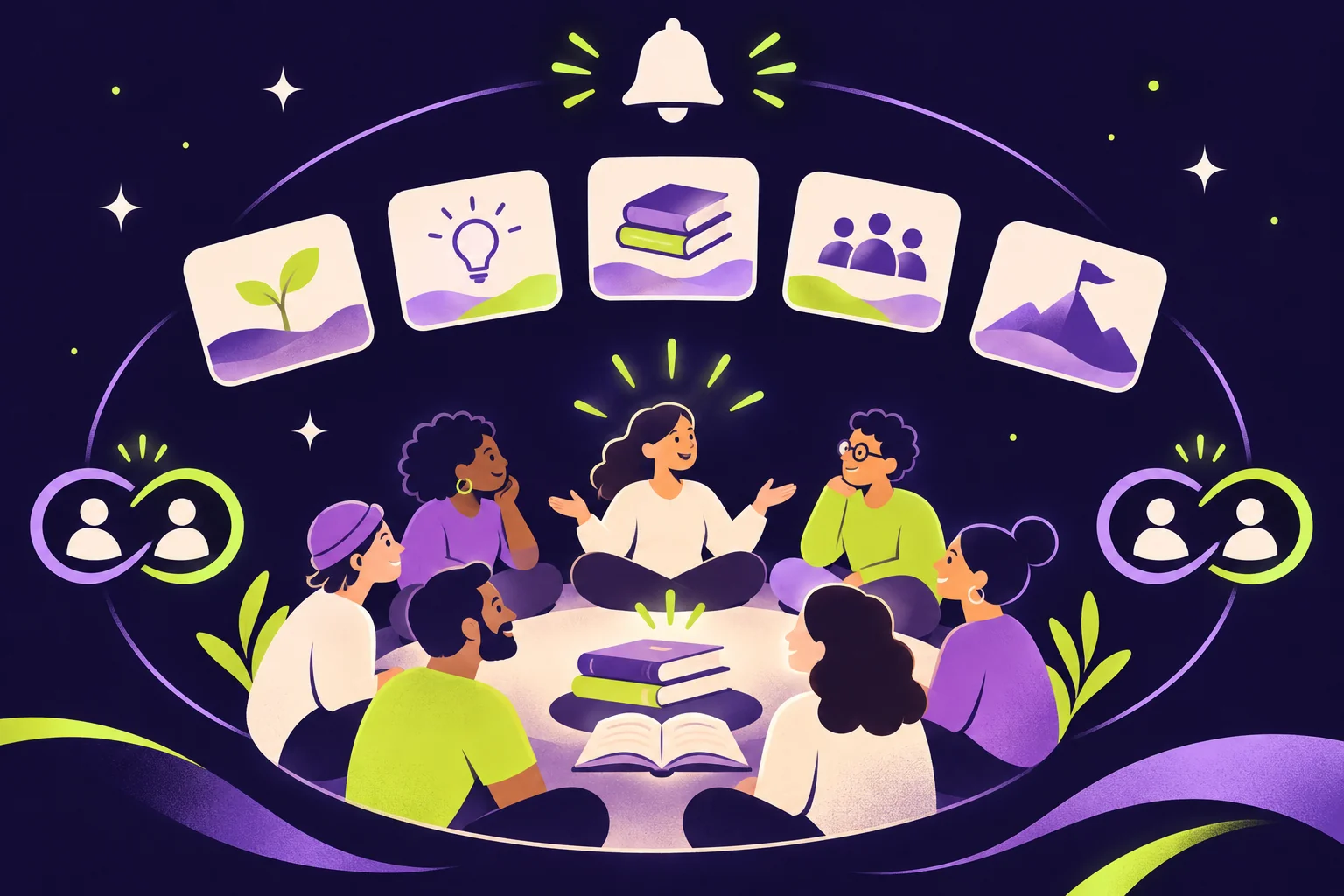
Keep learning events near the community
If customers already use your member portal for courses and community, product-education events can now live there too. Members can browse live, upcoming and past events, filter by location and find the sessions relevant to them.
For a product workshop or customer-learning series, that puts discovery and the event experience in the same place members already return to learn.
Let members build their own agenda
Members can browse sessions by day, search the schedule and save sessions to My schedule. They can also learn about speakers before a session. A personal agenda helps members keep track of the parts of your learning event they want to attend.
Make connections optional and private
Members can find fellow attendees and speakers, send personal connection requests and continue conversations in chat while keeping email addresses and phone numbers private. Connections can carry across your events.
Members choose whether they appear in the attendee list. Keep that choice visible when introducing networking to your customer community; participation does not have to mean being publicly discoverable to other attendees.
Use reminders to bring people back
Event notifications support confirmations and reminders by email, SMS, in-app notification and push, with links into the relevant part of the event. You can send announcements immediately or schedule them for selected roles. Available channels and members’ notification settings still apply.
Enable the experience in your existing portal
In Events, select an event and open Attendee App, then turn on Attendee app access. If prompted, upgrade the Client Portal first. Enable Make this event discoverable to list it for all portal members, or leave discovery limited to participants.
The experience requires the Client Portal and may require an upgrade. Web, iOS, Android and branded-app access depends on the portal and apps available to your account. This is not a promise that every account already has every app or access option.
