Give your workflow agent a chat page
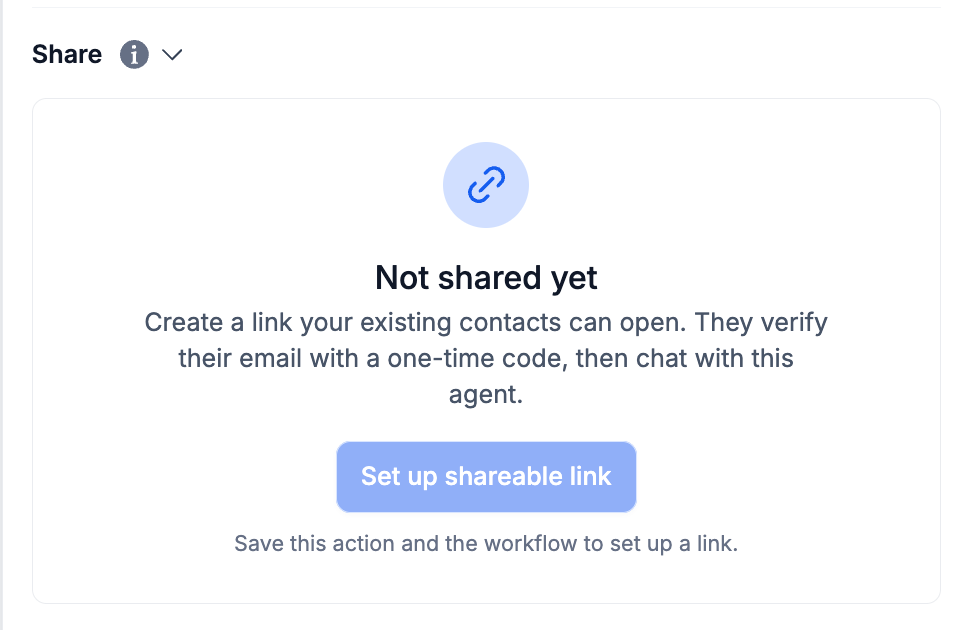
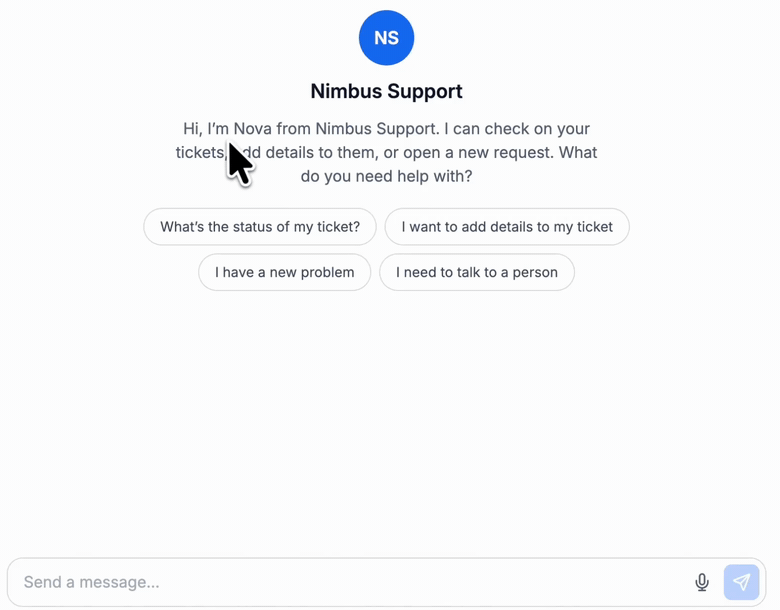
Share a native workflow AI Agent action through a hosted chat page, with its own welcome copy and suggested prompts. Chats stay offline until the workflow is published and explicitly made live.
- Creator Platform

Shape the first message
The native workflow AI Agent action can now have a hosted chat page. Set its display name, initials, welcome message and suggested prompts, and write the message visitors see while it is offline. This is a sharing option for the native workflow action.
Choose when the page becomes live
A new page is offline by default. Save the action, publish the workflow and explicitly set the shared chat Live when the surrounding workflow is ready. Existing contacts verify their email with a one-time code before the conversation continues.
Review the workflow behind the chat
Each visitor reply runs a billed workflow AI Agent execution. The agent uses the tools and permissions configured in that workflow, and AI responses can be wrong. Review access, actions and usage costs before making the page live.