Bring booking and small-group sessions into Meeting Room
Use the native Meeting Room beta for supported personal, instant and calendar-linked sessions, then split participants into breakout rooms when needed.
- Creator Platform
Choose the right meeting link
Eligible workspaces can use the native Meeting Room beta for a permanent personal room, an instant meeting or a unique calendar-linked session. Guests can join through a link without creating an account. Availability follows the workspace’s existing access and permissions.
Manage the session
Waiting rooms, passcodes, co-host controls, screen sharing and chat support the session. Recordings, transcripts and meeting history are available where supported; AI summaries are based on the transcript and need review. Signed-in users can use custom backgrounds. Choose appropriate guest access and recording permissions before a meeting.
Open smaller conversations
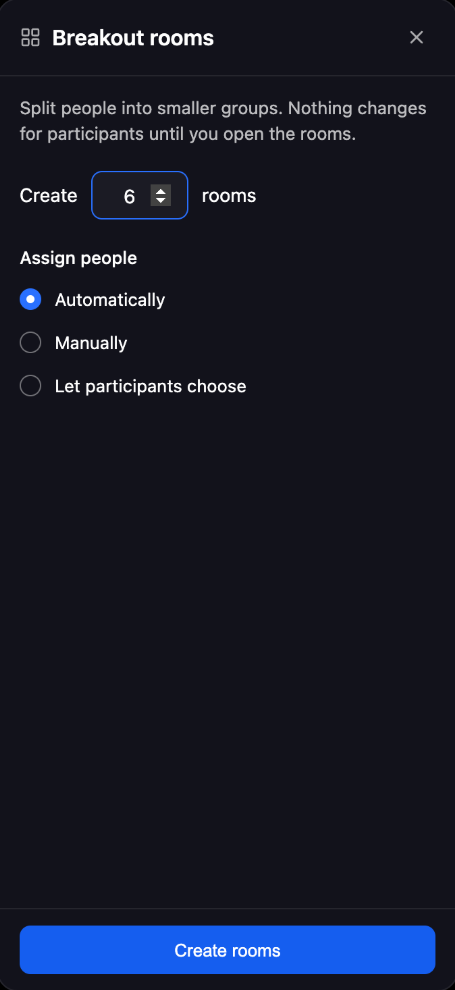
Hosts can create up to 100 breakout rooms and assign participants automatically or manually, or allow participants to choose a room. Timers, extensions, broadcast messages and participant moves help coordinate the groups and bring them back.
Recording and transcription are handled separately for each room. A recording or transcript in the main room should not be assumed to cover the breakout discussion.