Find the right conversations faster
Search message keywords across the inbox or within a thread, then narrow conversations using opportunity, channel and contact filters.
- Creator Platform

Go straight to the matching message
Conversations keyword search can look across the inbox or within a single thread. Matching text is highlighted and you can jump to the message that contains it, reducing the need to scroll through a long exchange. Results follow supported channels and your existing permissions.
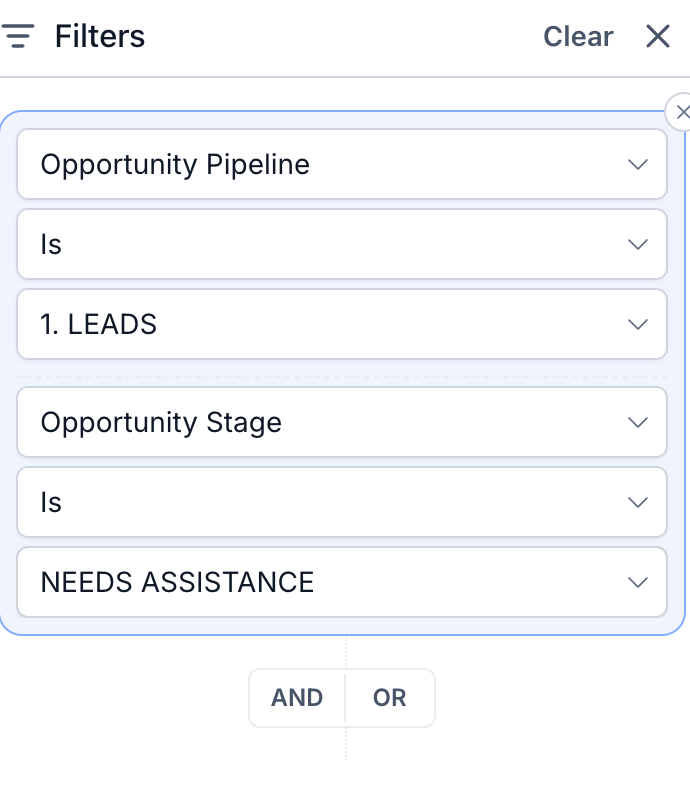
Filter using the context in your CRM
New filters include opportunity pipeline, stage and status, channel account and contact type. Combine criteria with AND or OR to focus the inbox on the work your team needs to handle. A contact with several opportunities can match through any qualifying opportunity.
Stage choices follow the selected pipeline. Channel-account filtering uses the conversation’s latest message, so it may differ from the channel used earlier in the thread.