Connect your member portal to your CRM
Client App Builder in Labs can shape a branded member portal from prompts and add custom-object experiences. Review the proposed data and visibility before approving creation.
- Creator Platform
Shape the member experience
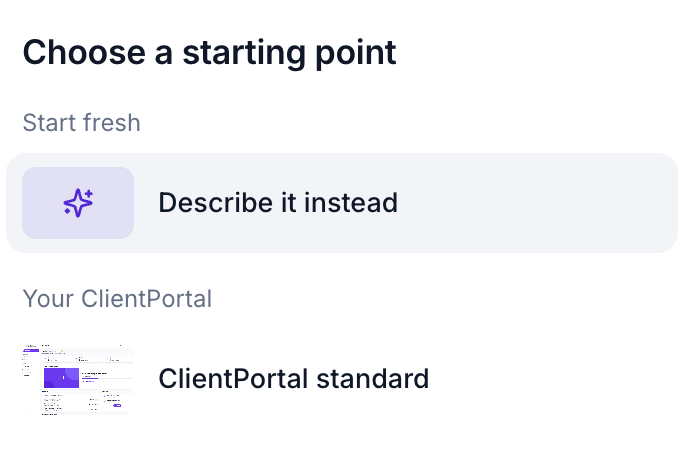
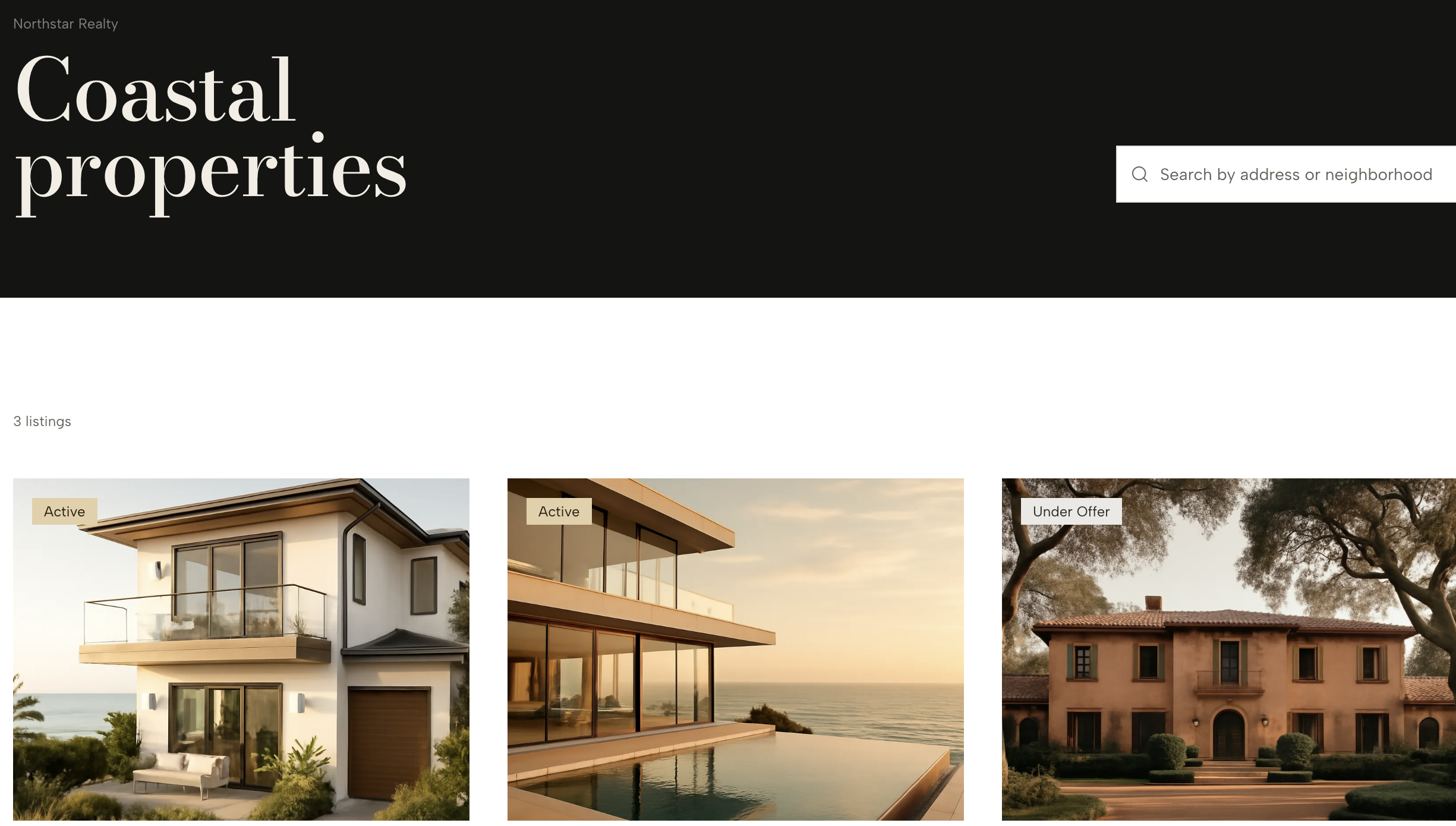
For eligible workspaces with Client App Builder access enabled in Labs, create a web experience from a description or your existing Client Portal. Choose the design system and reference images, then refine pages through prompts or select an element in the preview for a visual edit.
Supported courses, communities, shared files and member accounts stay connected to the existing portal setup. Course enrollment, member permissions and configured integrations still determine what each person can access. Appointment and payment experiences depend on the features enabled for that portal.
Collect information in custom objects
Describe the request or application members should be able to submit. The builder can propose custom objects, fields, dropdowns and relationships, then generate connected member pages. Review the data structure, sample records and access permissions before approving creation.
Choose whether members see their own records, their company records or an all-records view that is read-only. Treat visibility as a deliberate decision before publishing. Member submissions create records in the workspace CRM; the release supports web portals and says branded mobile support is included.
The announced limits are up to three objects per request and ten custom objects per workspace. Reuse existing objects when appropriate. Invoice-based payment actions also require a connected payment provider and applicable payment setup.
Keep rollout and design settings separate
This is a Labs rollout with account-specific access; current help also describes private beta participation. Review the generated pages and the actual member permissions before publishing.
Light, Dark and System change the builder interface, not the design members see. Industry templates and MCP support remain future work in this release.