Connect Jotform with your workflow follow-ups
Start follow-ups from submitted or signed forms, write supported fields back to Jotform, and choose models in native workflow AI steps.
- Creator Platform

React to a submitted or signed form
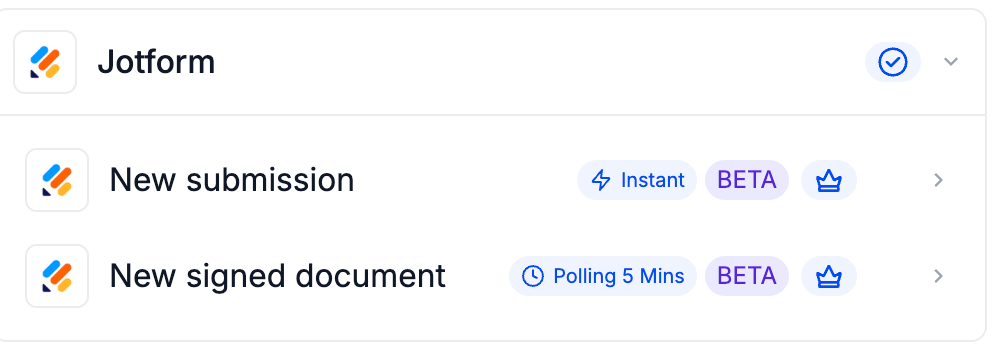
A connected Jotform account can supply two native workflow triggers. New Submission uses a webhook. New Signed Document checks for completed signed documents about every five minutes, so a short delay is expected.
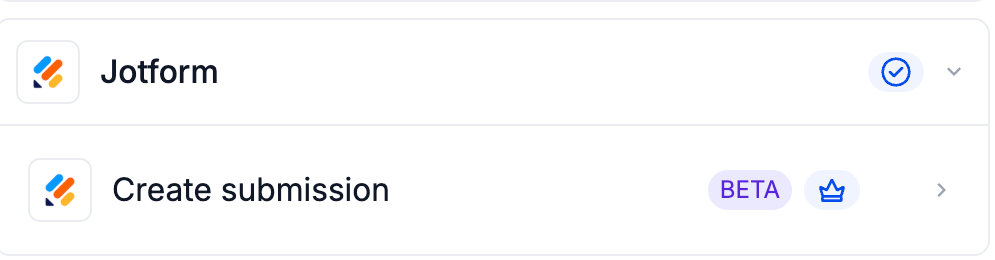
Find Jotform in the workflow trigger or action selector and connect the intended account through the API-key integration flow. The official examples label these steps Beta and premium. Eligible workflow access and account usage charges apply.
Write a submission with clear limits
Create Submission maps supported workflow values into a selected Jotform form. It supports 15 standard input types, including names, email, address, choices, dates and time. Use YYYY-MM-DD for dates and HH:MM for time.
Unsupported fields stay empty, even when Jotform marks them required. A submission can still appear active. This action does not take payment, add a paid product, write a signature or reserve an appointment; confirm those outcomes separately in the appropriate system. Sending someone a form to complete is a future addition.
Choose the model for an AI follow-up step
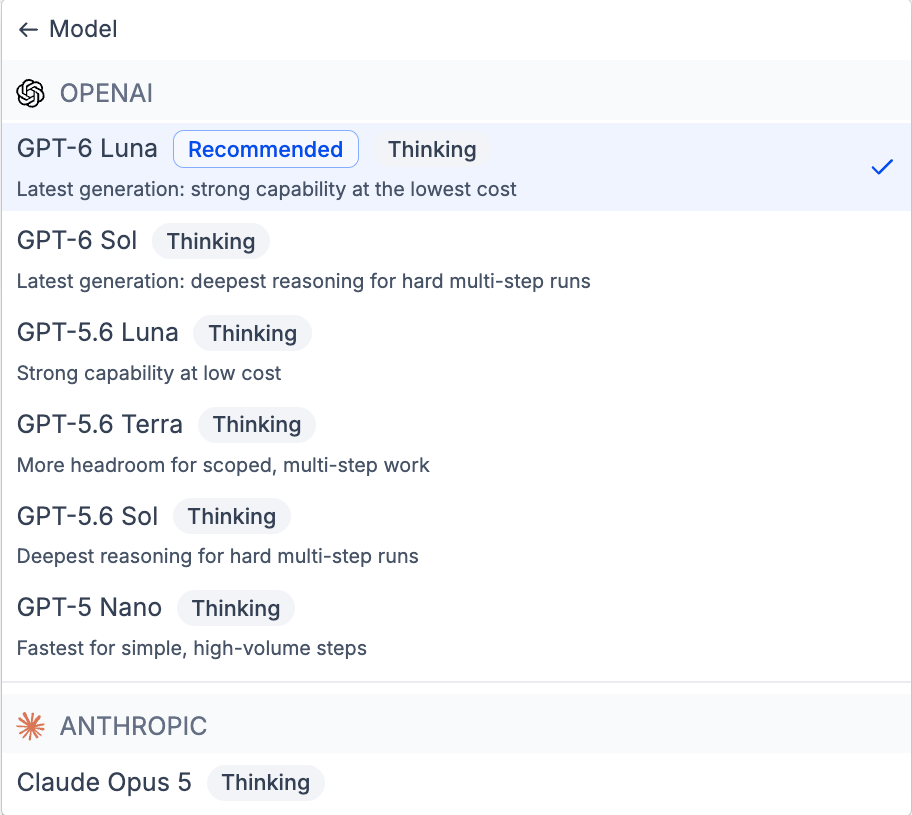
If your follow-up uses a native AI Agent or GPT workflow action, its model picker now includes GPT-6 Sol and GPT-6 Luna. Review the available model, account usage terms and step configuration before publishing the workflow.
These are model choices inside Creator Platform workflow actions. Test the full automation with an appropriate fixture and review generated output before letting it drive customer communication.