Connect company relationships with your follow-ups
Link one contact to several companies, build audiences around relationship labels, and start follow-ups when a new association is made. The new relationship and workflow controls require Labs access.
- Creator Platform

Keep one contact connected to several companies
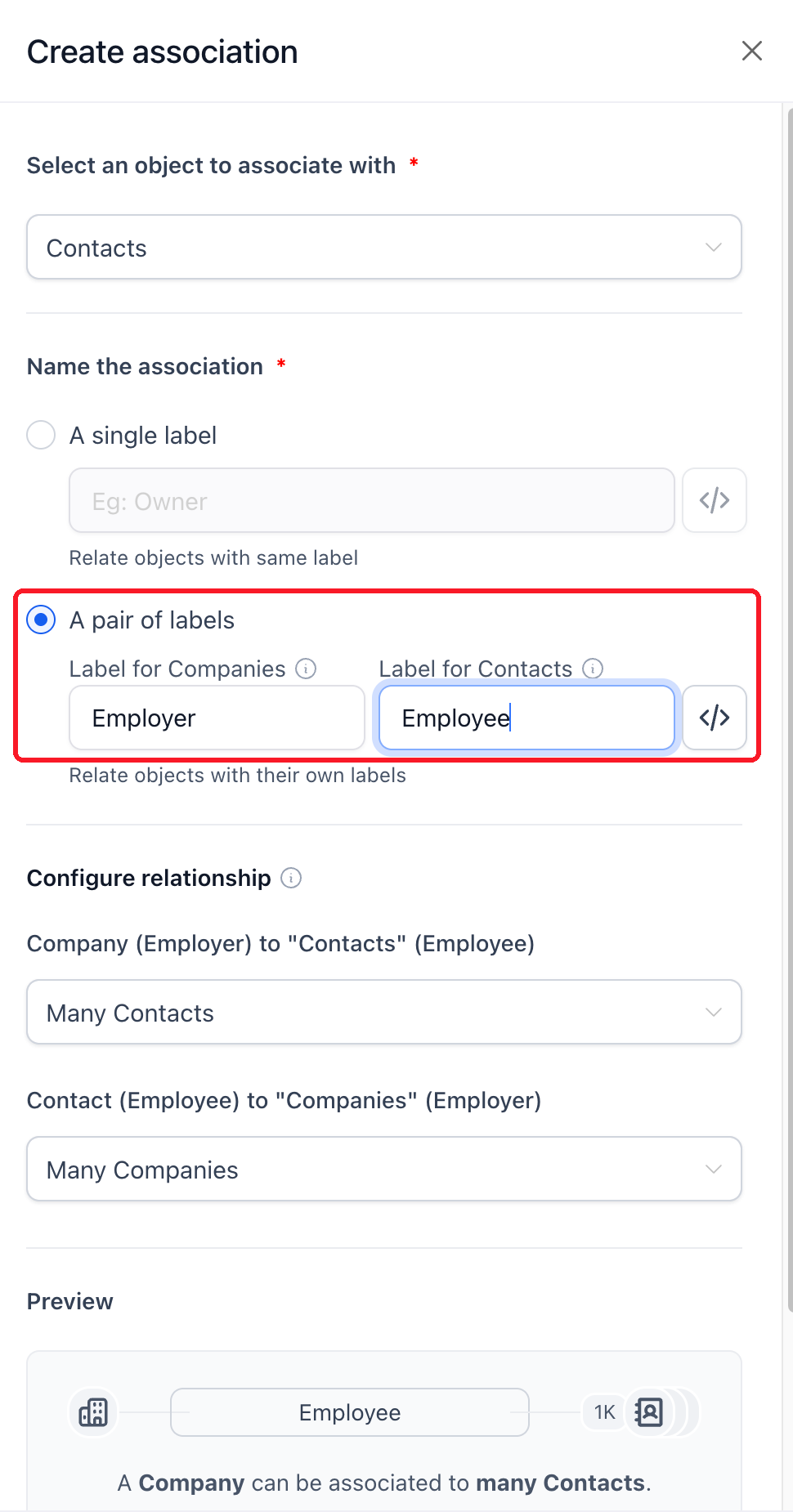
A consultant, accountant or owner can belong to more than one company. In eligible workspaces, custom association labels let you represent those relationships on the same contact. Paired labels can describe each side, such as Employer and Employee, and relationship limits control how many records can be linked.
Primary Company stays a separate system relationship with one company per contact. Additional labels do not replace it, and Company merge fields continue to use Primary Company. These association features require their relevant Labs settings.
Use relationships in your audiences
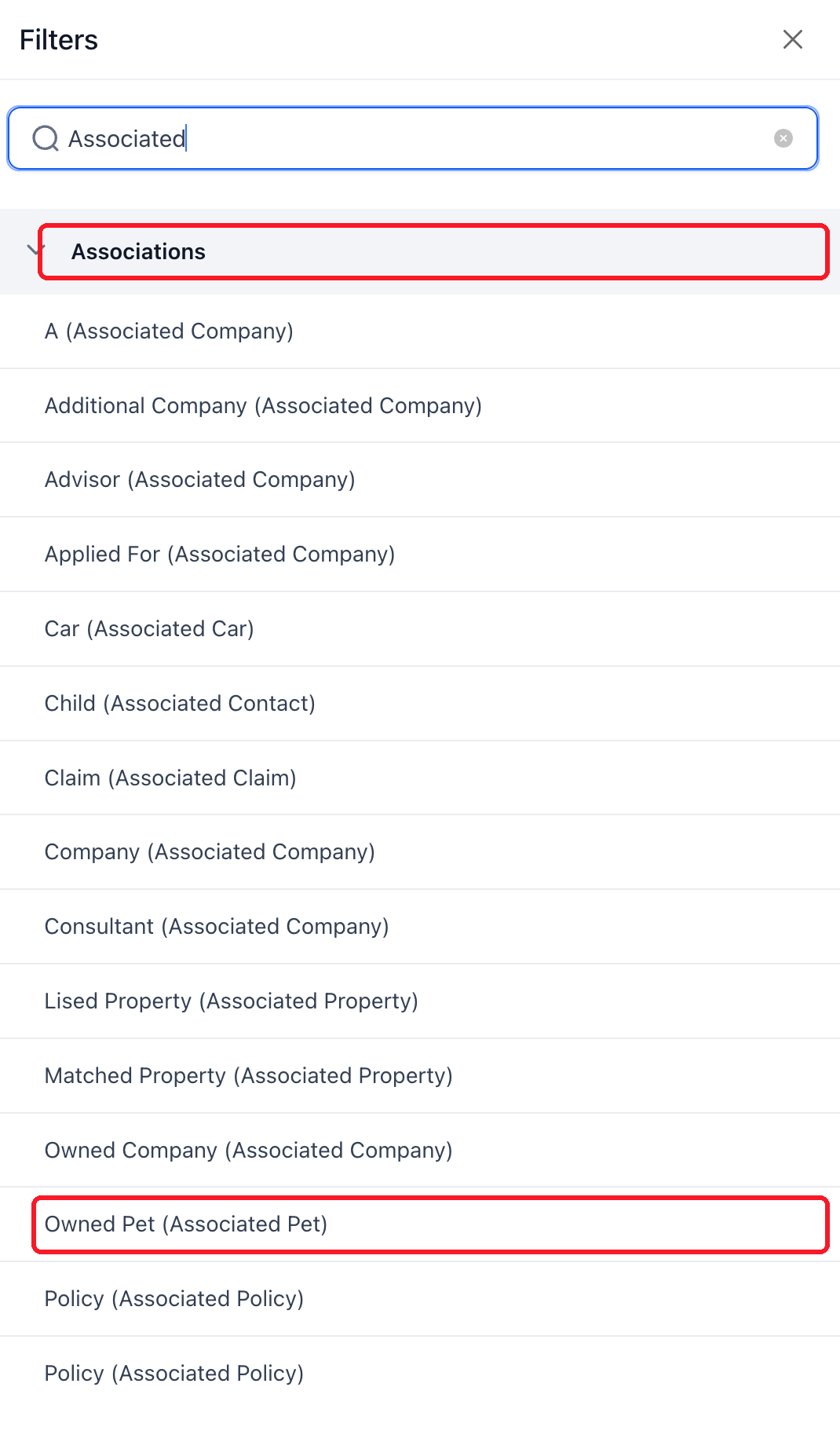
The new Contact Smart Lists can show configured association columns and filter by linked records. Contains any, contains none, empty and not empty conditions help you find the people connected to the right companies or custom objects. The Primary Company column now makes that relationship explicit.
Start a workflow when a relationship changes
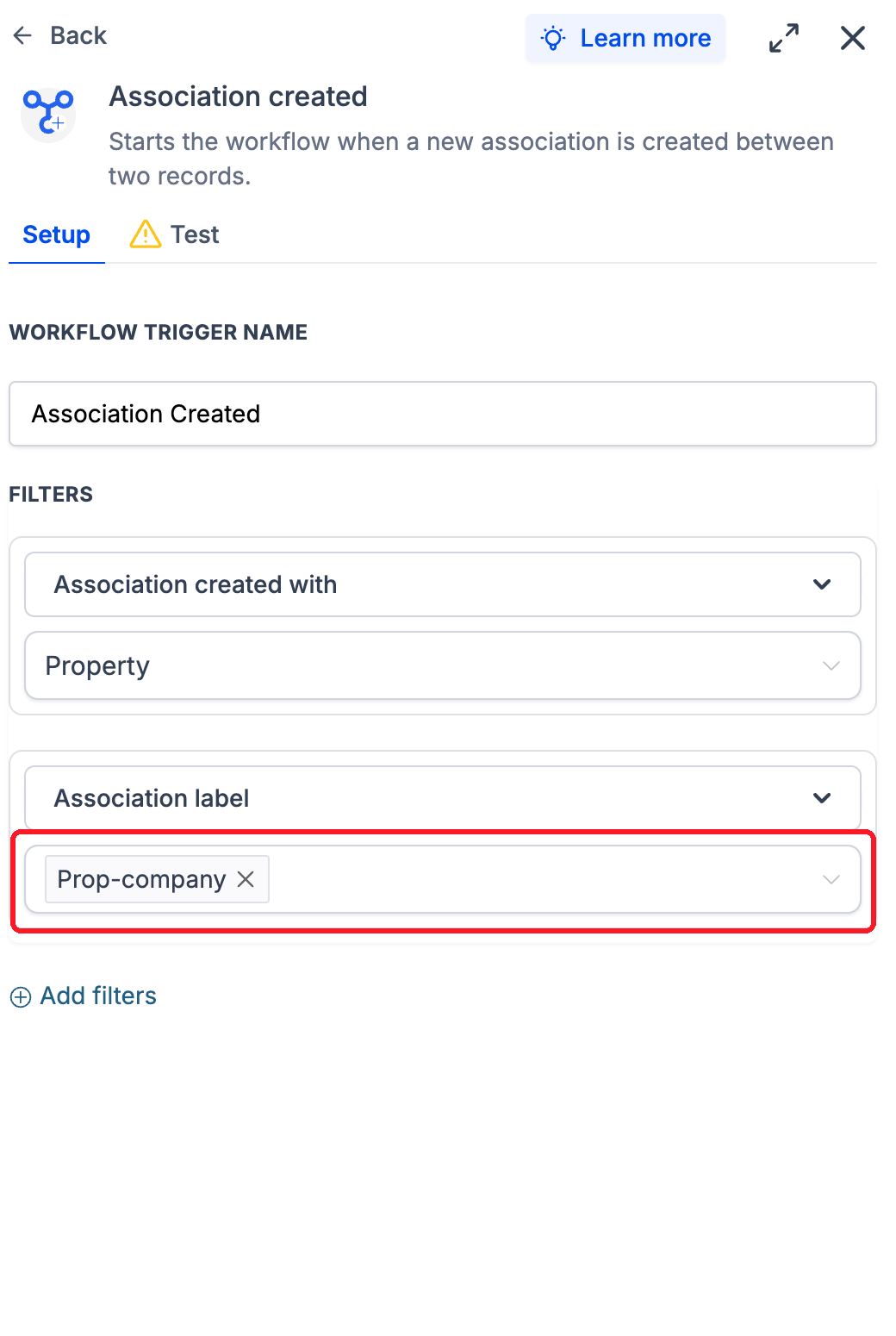
The Labs Association Created trigger starts a standard, Company or Custom Object workflow when a new matching association is created. Filter by the associated object and relationship label so the follow-up fits the connection.
Message the contacts attached to the record
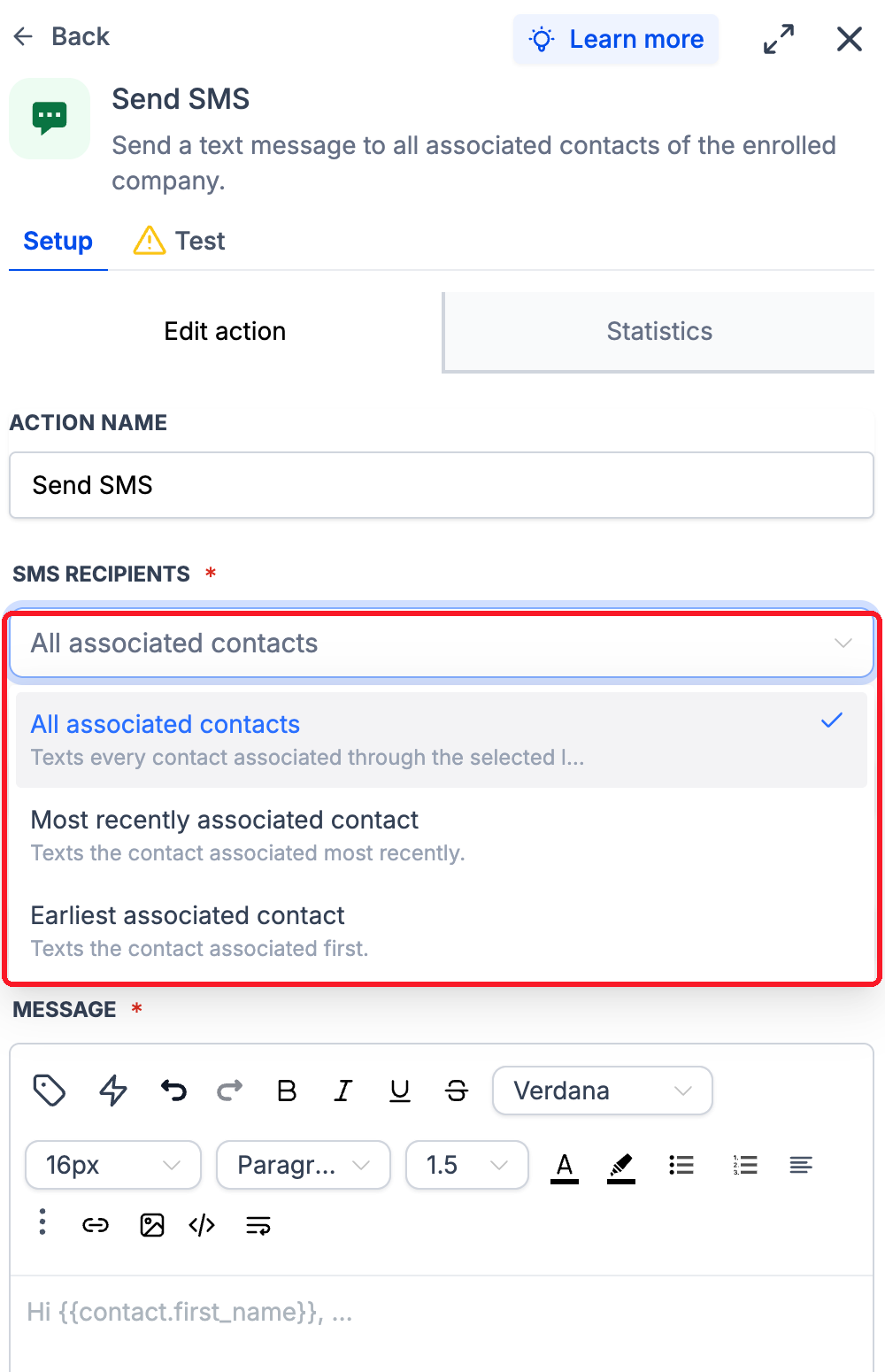
The Labs Send SMS action in Company and Custom Object workflows can target contacts through selected association labels. Choose all matching contacts, or the most recently or earliest associated contact where supported. A contact matching several selected labels receives one SMS from that action run.
Combining Primary Company with another label uses all associated contacts; earliest and most recent are unavailable for that combination. Review the recipient rules, consent, SMS readiness and normal messaging charges before publishing a workflow. The enrolled record remains the Company or Custom Object.
Let email domains help with company matching
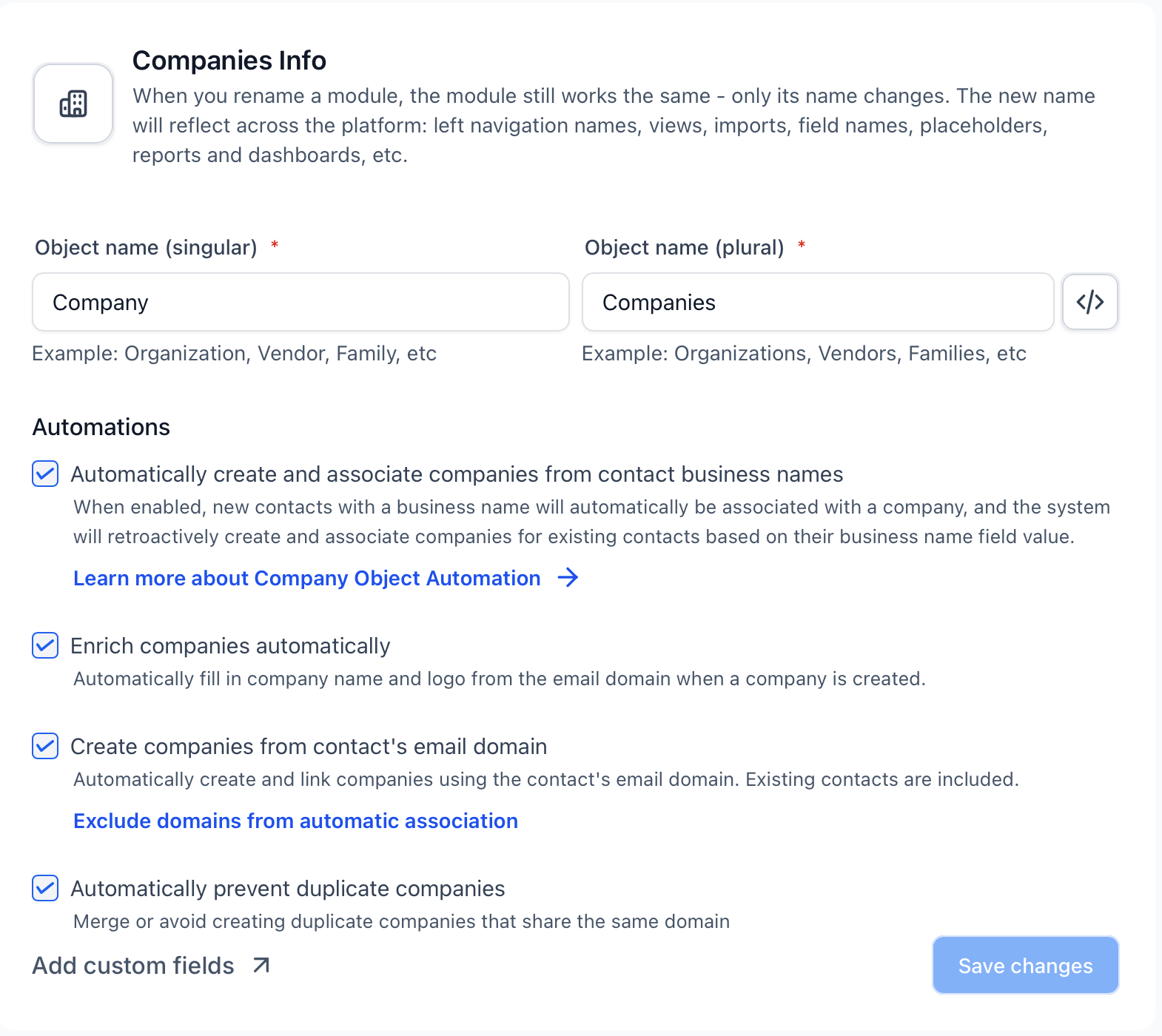
Automatic company creation and association by email domain has left Labs and is available to all subaccounts. It is on by default for new agencies; existing agencies keep it off until an admin enables it.
Matching uses the exact domain, with free-email and custom exclusions. Existing companies can be reused, manual domains and associations are preserved, and backfill is optional. Review the settings before enabling automation for existing records.