Choose which Community emails you stop
Members can stop an eligible notification for one Community while keeping other email preferences intact. Review the community and event type before confirming.
- Creator Platform
Keep the choice specific
An unsubscribe link in an eligible Community email now changes the preference for that community and notification type. Turning off comment-mention emails for one group leaves other notification types, other communities and unrelated platform email on their existing settings.
The confirmation page names the community and the type of email being turned off. Check both before confirming. Granular unsubscribe availability depends on the supported Community notification type.
Review or restore a preference
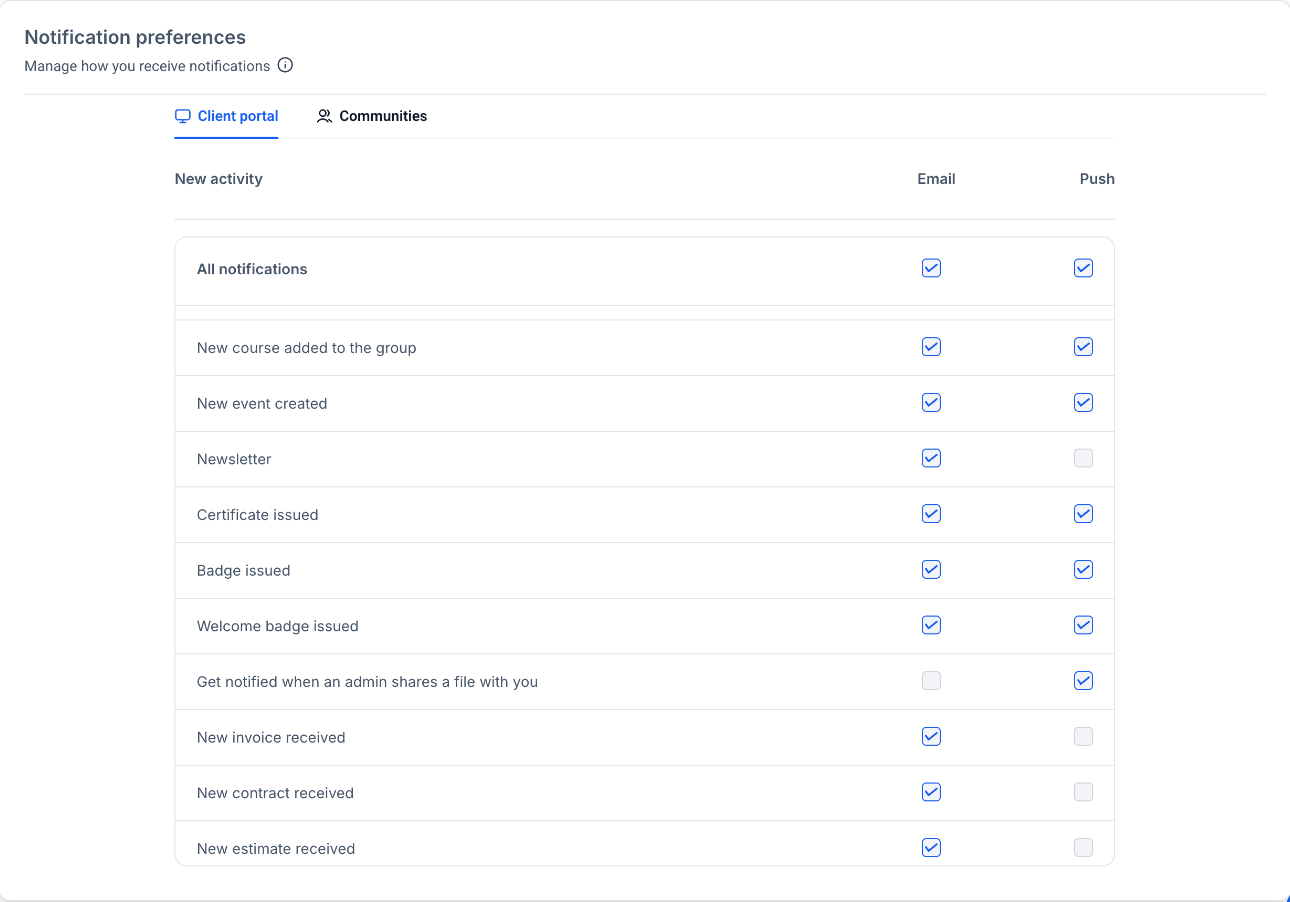
To review notification choices, open the member profile in the Client Portal, Communities or Courses, choose Manage Your Account, then Notifications. A disabled Community email notification can be re-enabled from this area.
Some notification options can be managed by the portal owner. A locked control explains when that applies.
Know when a link changed nothing
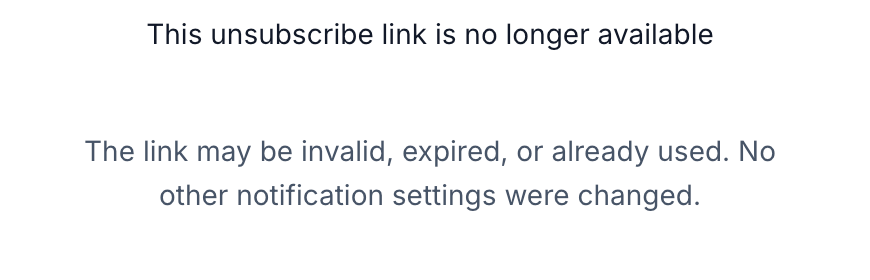
An invalid, expired or already-used unsubscribe link shows a message that no notification settings were changed. Open notification settings to review the current preference instead.