Book services from your Client Portal
Let members find enabled services, choose a date and time, and manage eligible bookings from the new Client Portal. Service visibility and existing calendar settings stay in your control.
- Creator Platform

Bring service booking into the member workspace
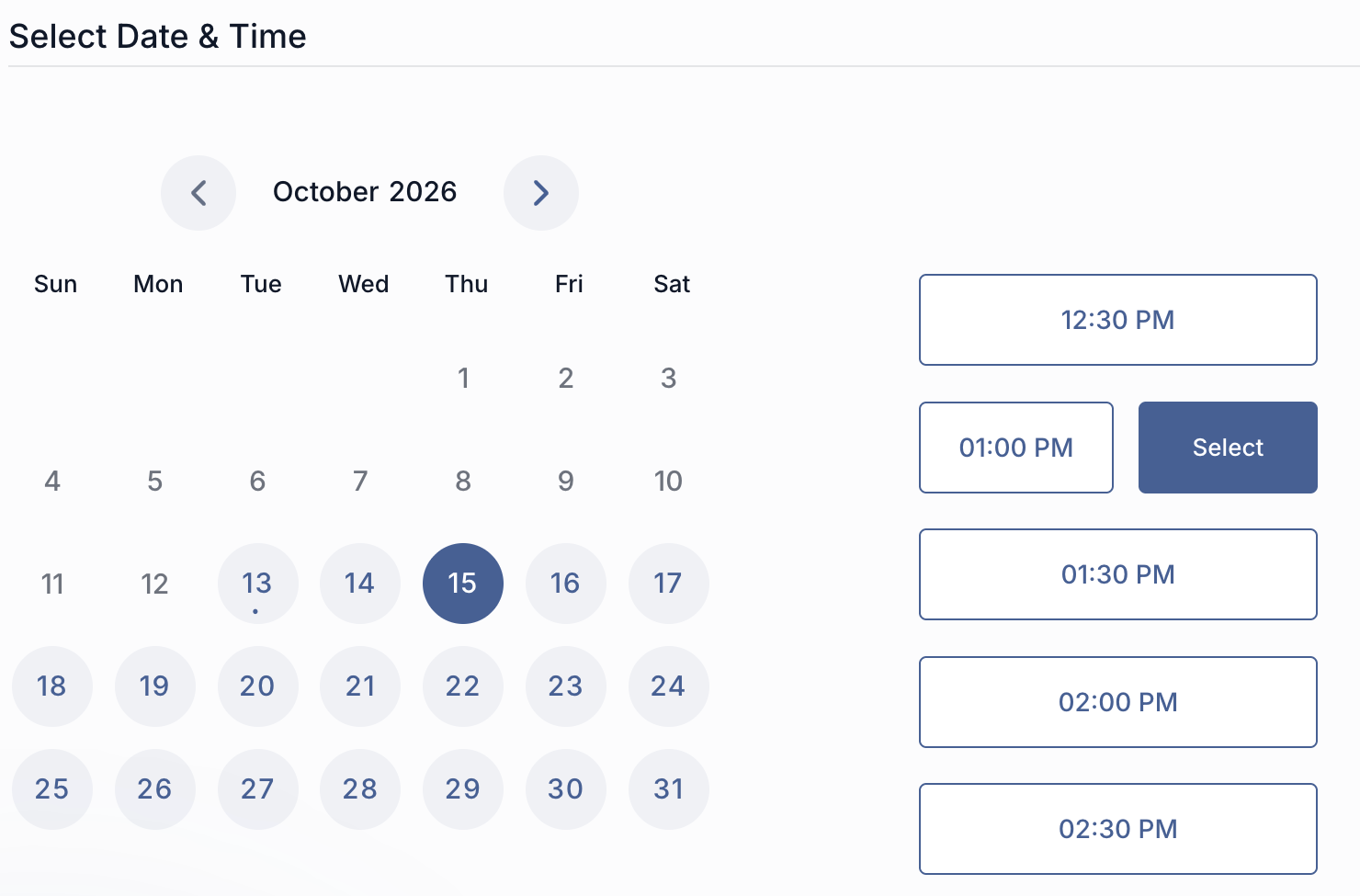
The new Client Portal can offer service booking alongside meetings under Appointments. Members can browse enabled services, choose an available date and time, and complete the booking without opening a separate booking link.
Existing client information can be pre-filled. Depending on the booking-page setup, members can book one service or several services together. This release applies to the new Client Portal and the service pages made available there.
Choose which service pages members can find
In Calendars → Services → Booking Pages, open the relevant page and enable Allow booking from client portal, then save the change. Appointments must also be enabled in Memberships → Client Portal → Settings → App Permissions. Review both settings before offering the page to members.
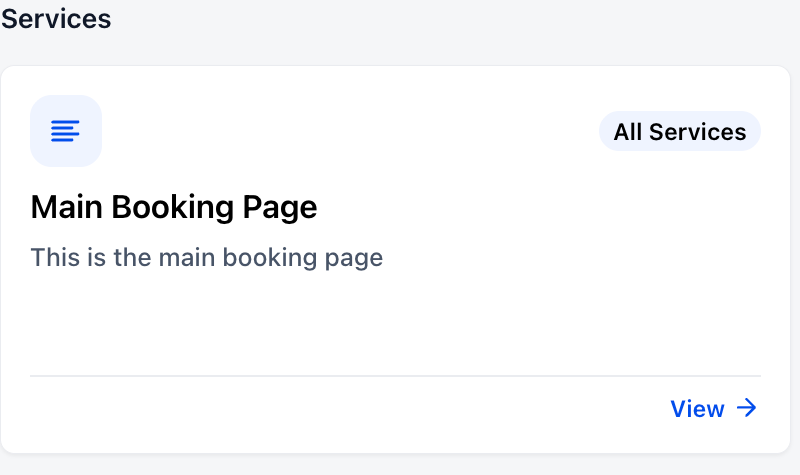
Choose the service pages intended for portal access. The public settings example shows the visibility control; the page name and description identify its tile in the member portal. Existing workspace permissions still govern who can change that configuration.
Keep appointment rules in place
Meetings and service bookings appear together under Appointments, organised into Upcoming and Past. Members can reschedule or cancel eligible service bookings according to the calendar settings already configured for them.