Send quiz takers to the right next step
Send someone who finishes a product self-assessment to the getting-started, use-case or learning page that matches their answers or scores. Only Redirect to URL is in this release.
- Creator Platform

Place the quiz on a product page
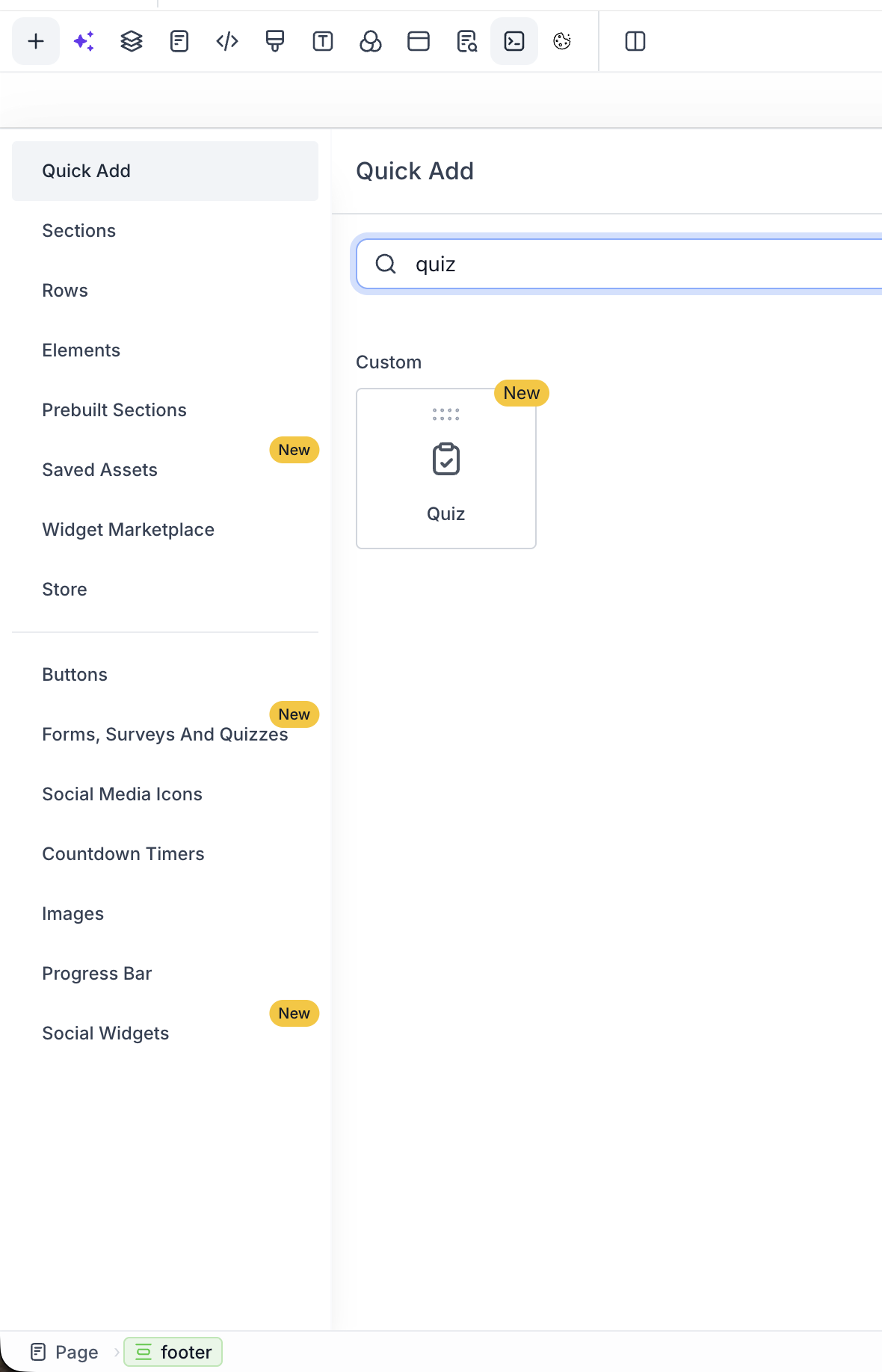
You can add a Quiz element to a website or funnel page and choose an existing quiz or start a new one. You do not need an embed code.
Open the quiz from that element when you need to edit it. Placement is a convenience for putting the self-assessment on the page, not a website-building announcement.
Send people to the relevant next resource
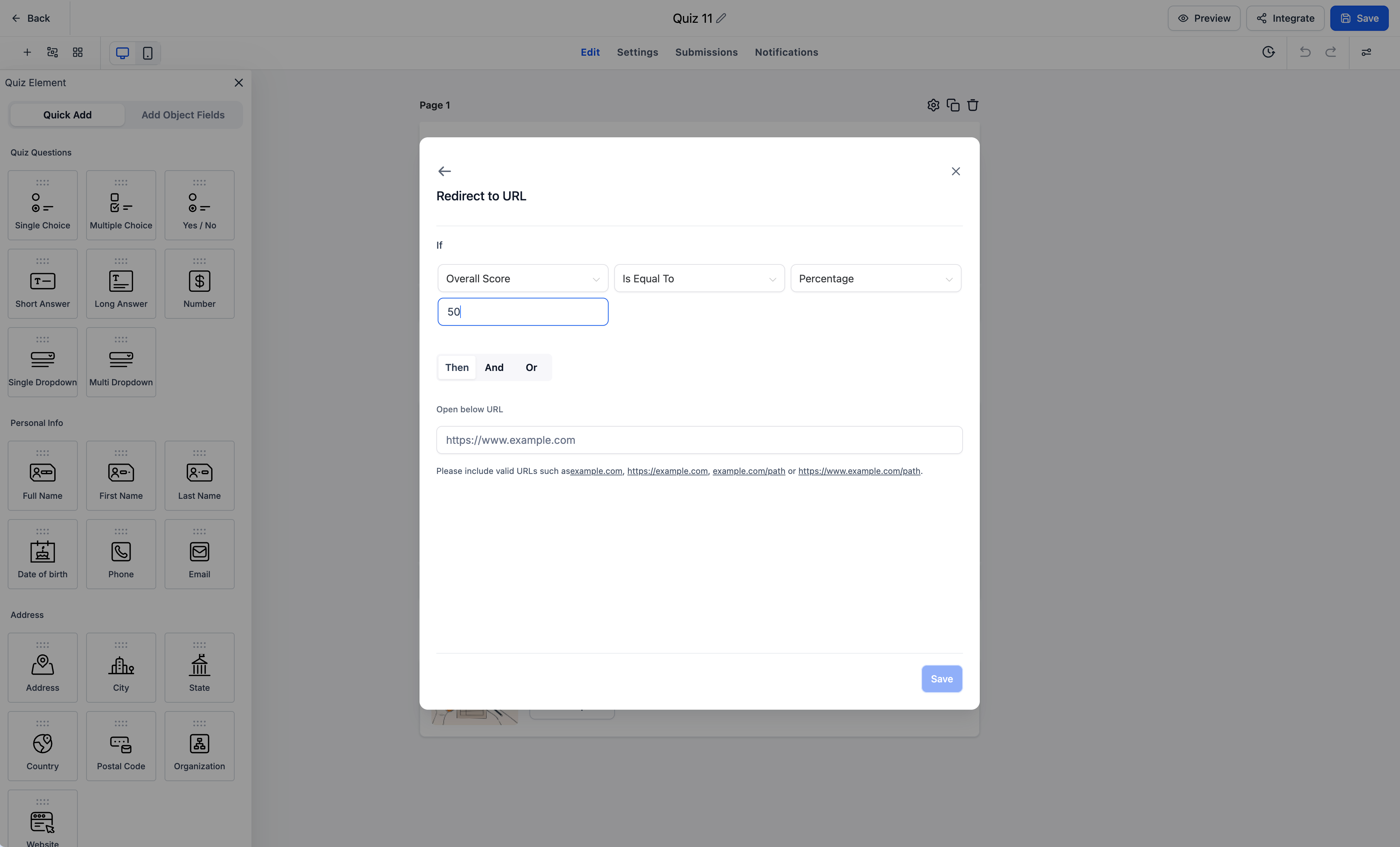
Quizzes now support Redirect to URL conditions. After someone finishes, a matching rule can send them off the default results page to a URL you choose.
Use this for a product self-assessment: route a prospect or new user to the getting-started guide, use-case page or learning resource that matches their answers or scores. This is not a generic lead form or a booking funnel.
Use quiz scores in those rules
Redirects can also use four quiz score fields: Overall Score, Category Score, Highest Category and Lowest Category. Forms and surveys do not have those score fields.
What this release does not include
Display a custom message, disqualify a respondent, and show or hide fields are not available on quizzes yet.
Creator Agents support for these quiz controls is not established. This is a Creator Platform change. It does not measure product activation.
Where to find it
For placement, open a website or funnel page, add the Quiz element, and pick or create a quiz.
For redirects, open the quiz, go to Conditional Logic, choose Redirect to URL, and save. Review the destination before you share the quiz.