Connect more Facebook Pages for messaging and lead sync
Manage multiple Facebook accounts and Pages in one Creator Platform account, then choose supported Pages for Messaging and Lead Sync.
- Creator Platform

Connect more Facebook accounts
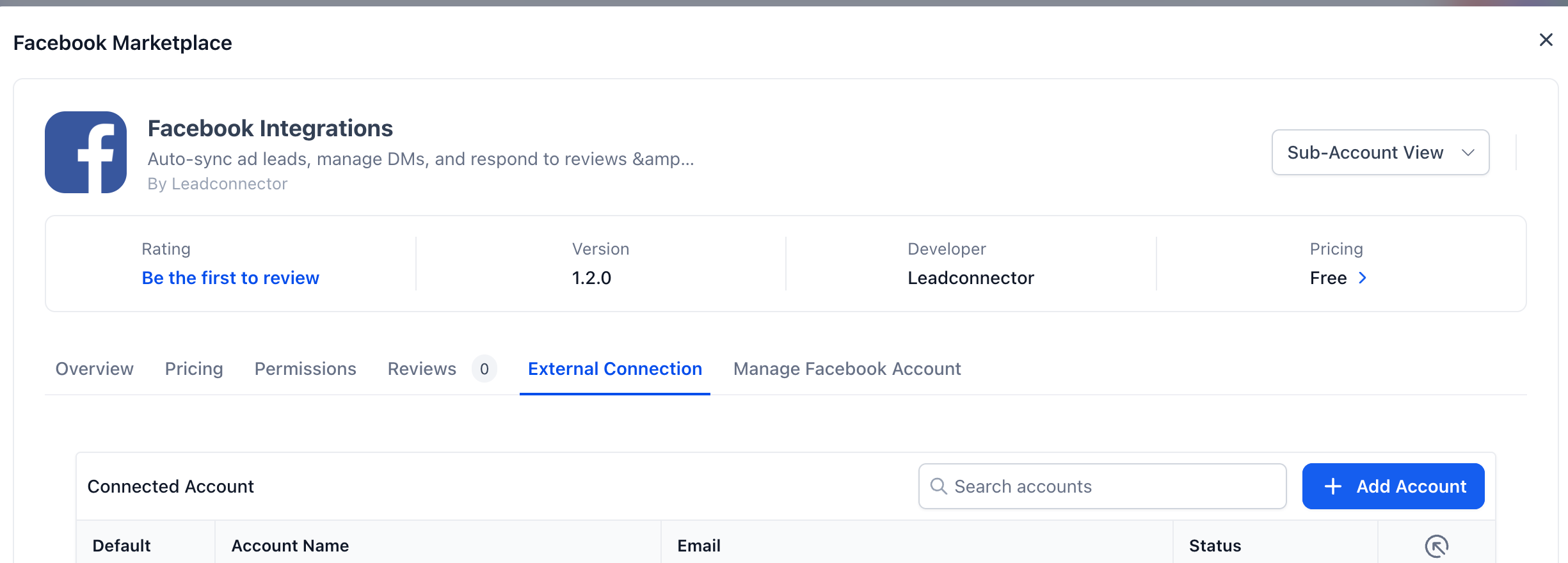
Creator Platform now lets you connect multiple Facebook accounts and their Pages within the same Creator Platform account. Open Facebook Integrations, choose Add Account, and manage the Pages available to that connection.
This capability is available in Labs. The Meta user connecting an account must have permission to access the Facebook assets they select.
Choose Pages for supported workflows
For supported connections, choose which Pages are available for Messaging and Lead Sync. Keeping these connections together makes it easier to work with the right Page when your account manages several brands or locations.
The public product screenshots below show example account state. Account and Page names or identifiers have been removed where they appeared; the remaining controls and example counts are unchanged.
Know which accounts remain limited
The multiple-account support described here applies to Facebook accounts and Pages for supported Messaging and Lead Sync connections. Meta Shops and Ad Accounts remain limited to one connected account. Access also depends on Labs availability and the permissions on the connecting Meta user.