Let readers comment on your blog posts
Let readers ask product-education questions on a post, keep the discussion public, and moderate replies. Commenters are not added as contacts, and comments do not appear in Conversations.
- Creator Platform

Answer questions on the post
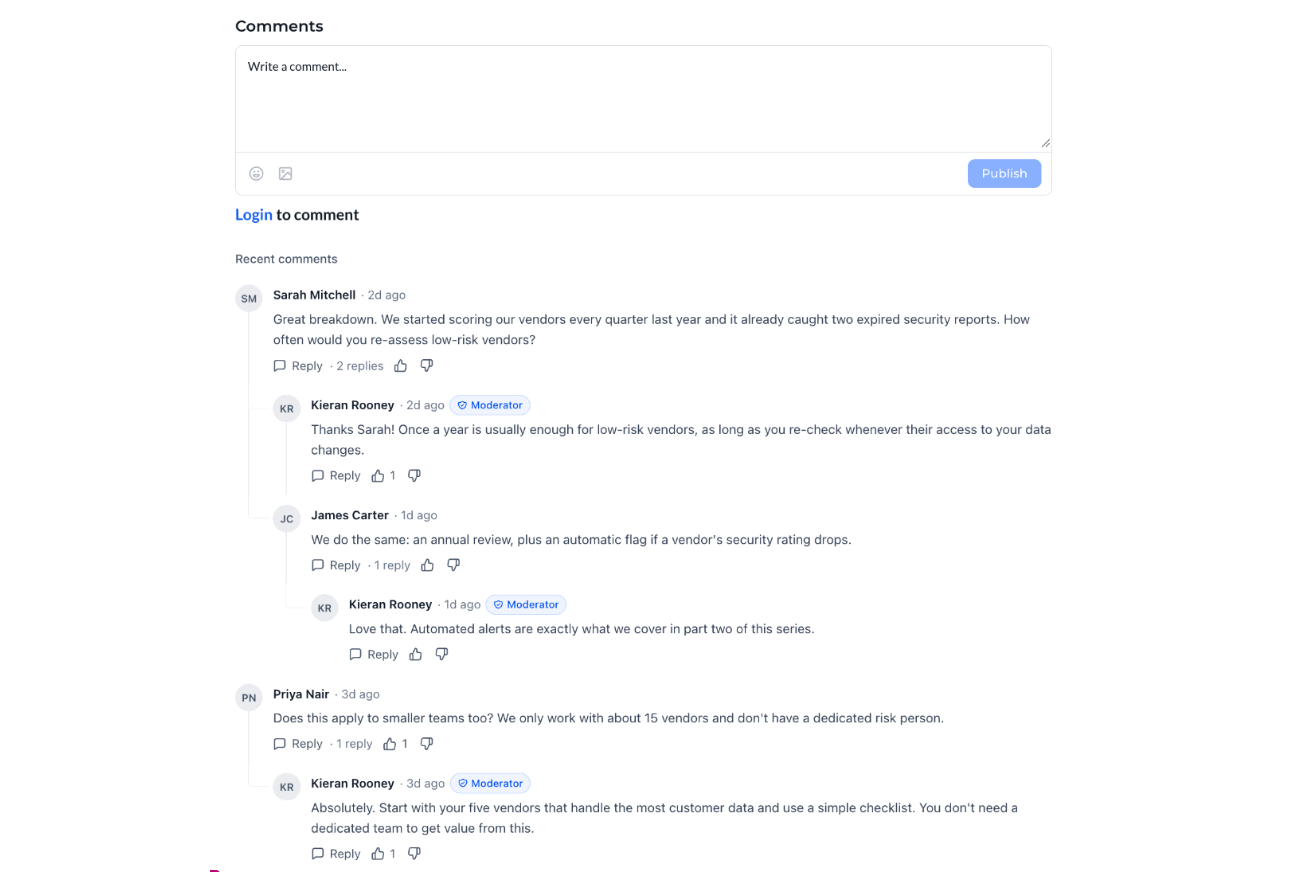
Add the Comments element to your blog post page once, and every post on that blog site gets a comment section. Removing the element removes comments from every post on that site.
Readers can write comments, reply in threads, add emoji, attach one image per comment, and like or dislike a comment. Use this for product-education questions and feedback beside the article, not as a CRM intake form.
Sign-in, approval and notifications
Anyone can read comments. Readers sign in to comment, reply, like or dislike. Returning readers use their email and a one-time code. New readers can create an account in the same window.
Team replies can show a Moderator badge. A Comments tab lists comments across the blog site, with totals, this month, and comments waiting for approval. You can filter, search, reply, approve or delete, and step through pending comments with the conversation shown.
Each blog site can require approval so new comments stay hidden until you approve them, email you for every comment or send a daily digest, and choose who receives those emails. The same settings can apply across the account; recipients stay per site.
What comments do not do
Commenters are not added to Contacts. Comments do not appear in Conversations.
Creator Agents support for blog comments is not established. This is a Creator Platform change. A comment thread is not a conversion or a CRM capture.
Where to find it
Open Sites, Blogs, and your blog site. Open the blog post page, add the Comments element, then save and publish. Manage comments and settings from the Comments tab.