From v01 to Creator Labs: meet Creator Platform
v01 has a new home as Creator Platform, with a refreshed interface from sign-in to the tools you use every day.
- Creator Platform
A new home for your workspace
v01 has moved to Creator Labs. The workspace you know is now Creator Platform, available at platform.creator.gg.
Sign in with your existing v01 account and continue in your existing workspace. Your contacts, conversations, campaigns and connected services carry over with you.
A consistent look across the tools you use
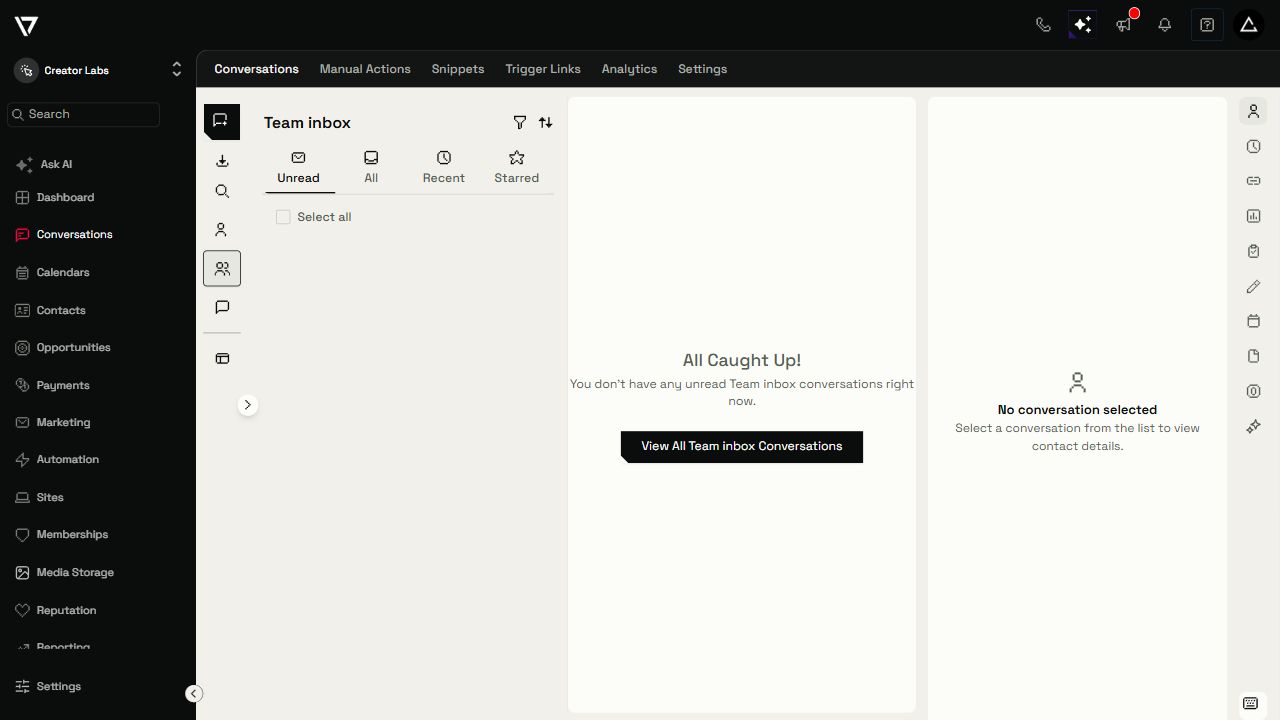
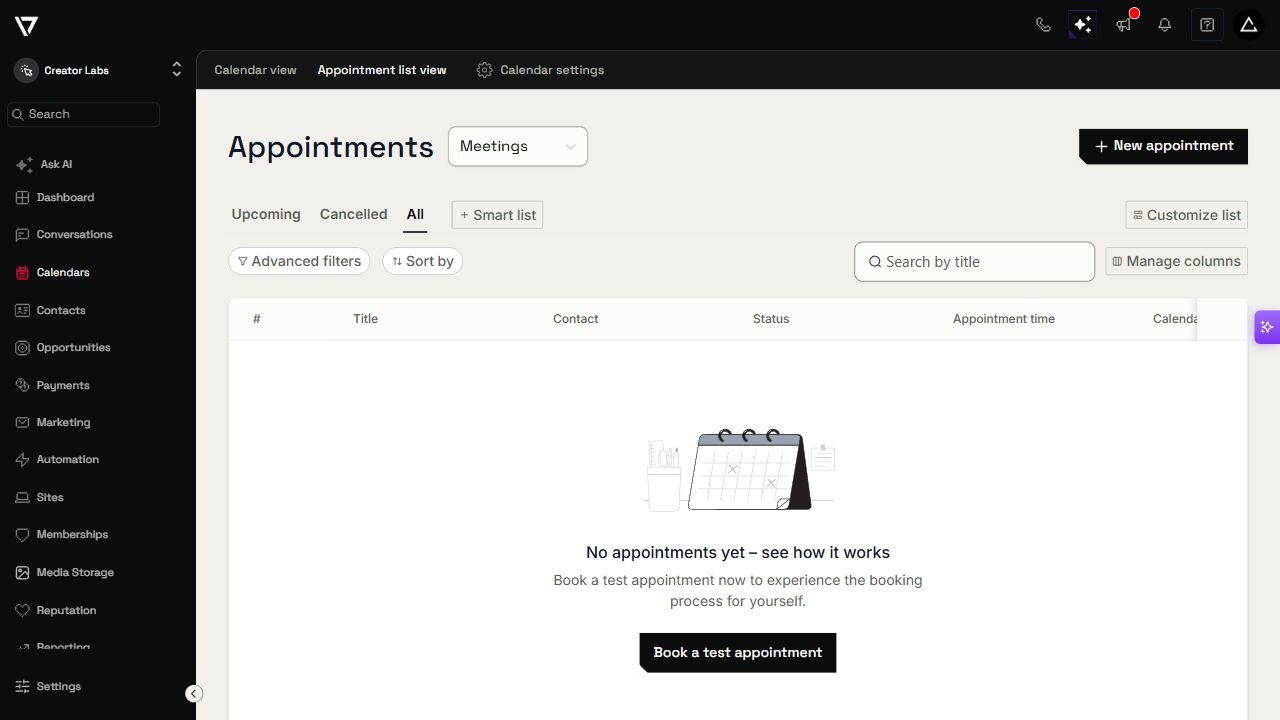
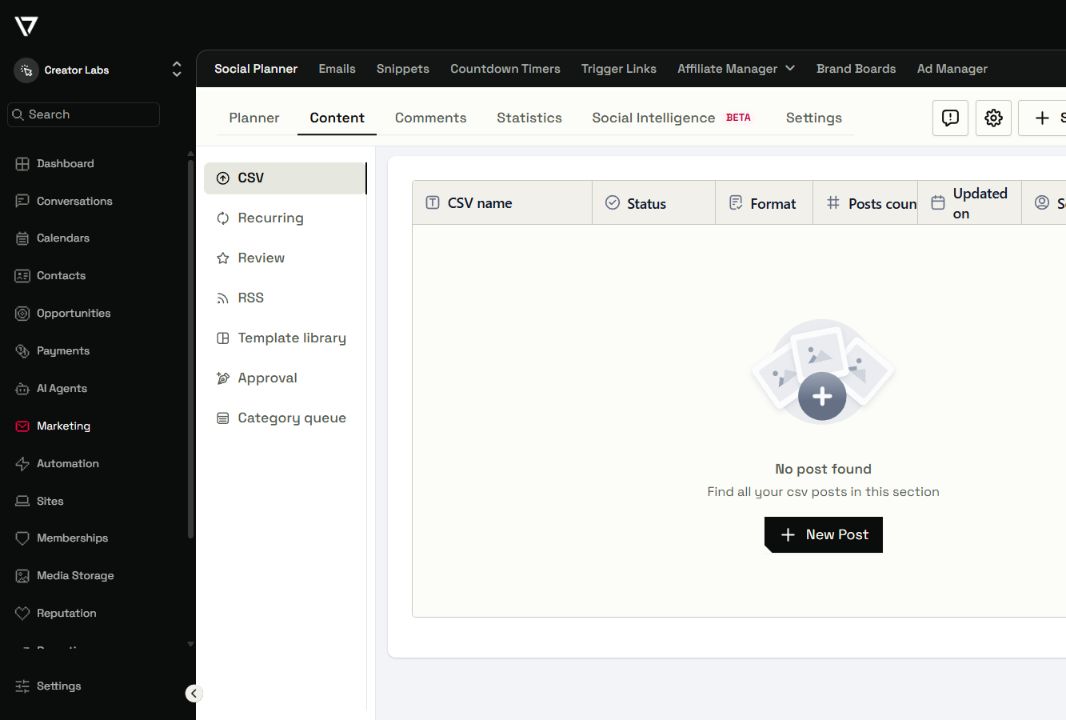
Over the last few days, we have refreshed the Platform interface across navigation, Contacts, Conversations, calendars, pipelines, Social Planner and Settings. The aim is to make moving between those tools feel more consistent and the work on each screen easier to read.
- Updated typography, clearer spacing and a coordinated palette across the workspace.
- Consistent icons in the main navigation and Settings, with clearer selected, hover and keyboard-focus states.
- Refined buttons, inputs, tabs, tables and menus, including more compact Conversation controls.
- Quieter neutral controls that give meaningful statuses, charts and your own content room to stand out.
The refresh starts at sign-in
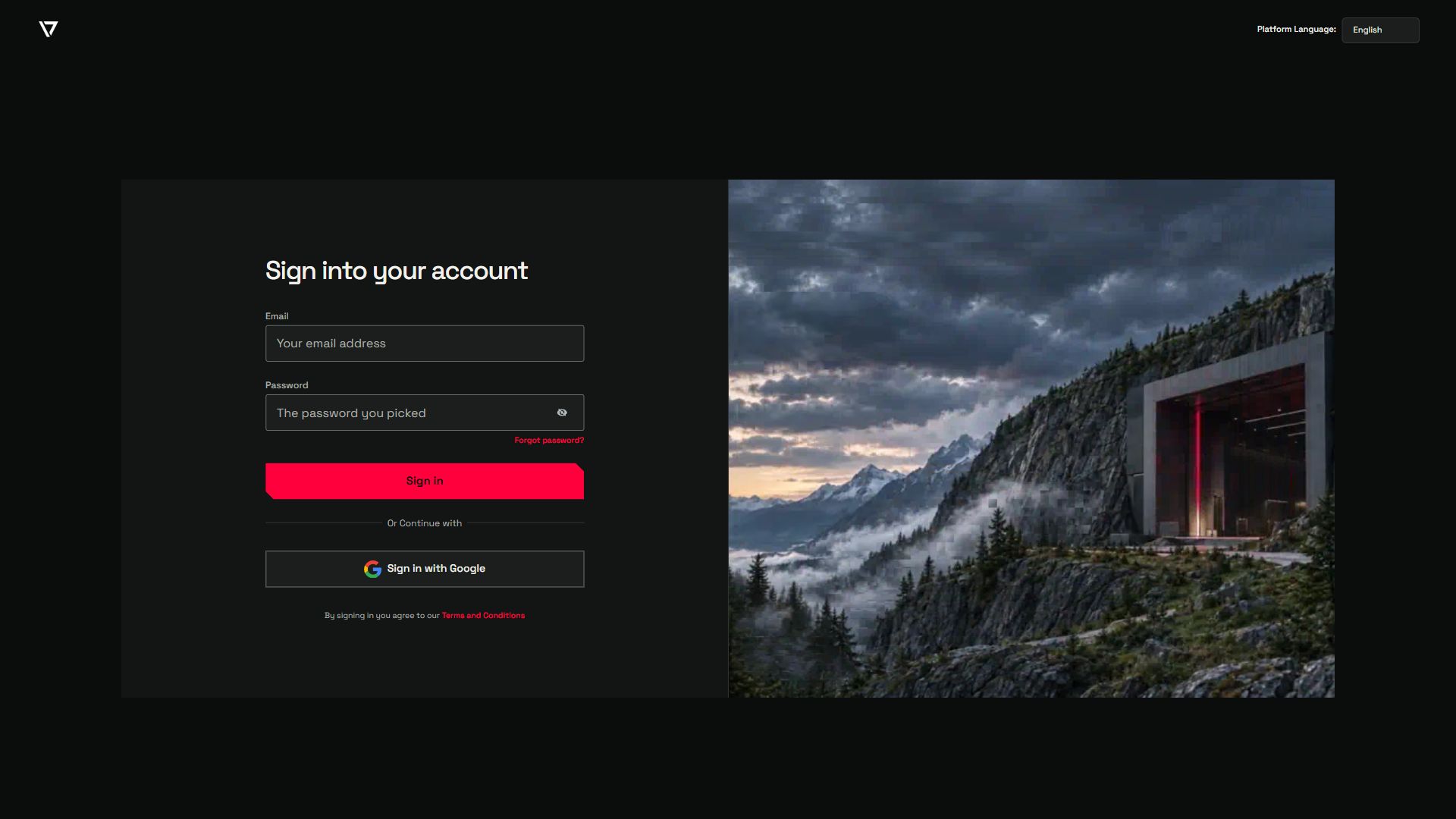
The sign-in and account-recovery screens now use the Creator Labs visual system, with dark form panels, clear controls and alpine artwork. The initial loading screen has been brought into the same palette, so the experience feels connected from the moment you arrive.
Creator Platform and Creator Agents
Creator Labs brings both products together. Creator Platform is your workspace for managing customer relationships, marketing and automation. Creator Agents gives the agents you already use shared business context, growth planning and access to connected Platform tools.
To return to your workspace, open Creator Platform below. You can find agent setup and connections at agents.creator.gg.