Follow social post status in workflows
Route internal approval, rejection or failure alerts from the actual Social Planner post status. Published is platform state, not engagement or campaign performance.
- Creator Platform

Trigger on the post's status
Workflows can start from Social Planner Posts. The six status values are Approval Requested, Approved, Approval Rejected, Scheduled, Published and Failed.
Use this to keep a product launch or content calendar reliable: notify the people who need to approve a post, recover a failed publish, or record that the platform accepted the post. Published means the platform recorded it, not that the audience engaged.
Narrow the posts that count
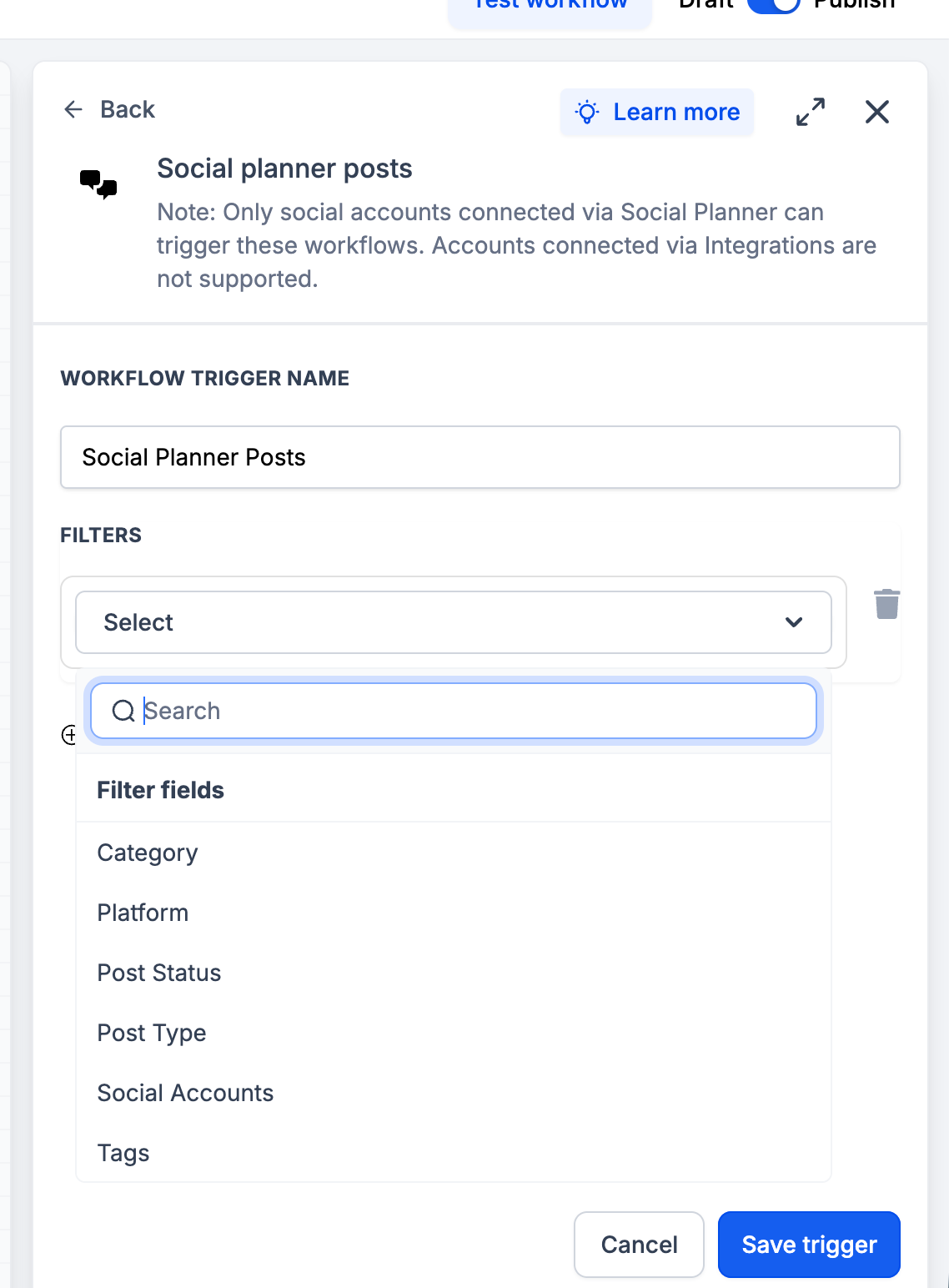
Filters cover category, platform, post type, connected social account and tags. Platforms listed in the source include Facebook, Instagram, Bluesky, Google Business Profile, LinkedIn, Pinterest, Threads, TikTok and YouTube. Post types include Carousels, Posts, Reels, Shorts and Stories.
Only Social Planner connections
Only social accounts connected through Social Planner can fire this trigger. Accounts connected through Integrations are not supported.
This is a Creator Platform workflow trigger. It is not the Workflows API, and Creator Agents workflow reads currently return unavailable. No customer workflow was created or published for this article.
Where to find it
Open Automation, Workflows. Add the Social Planner Posts trigger, set the filters, then add internal notification or follow-up steps. Save and publish the workflow when you are ready.