Give your agents a shared understanding of your business
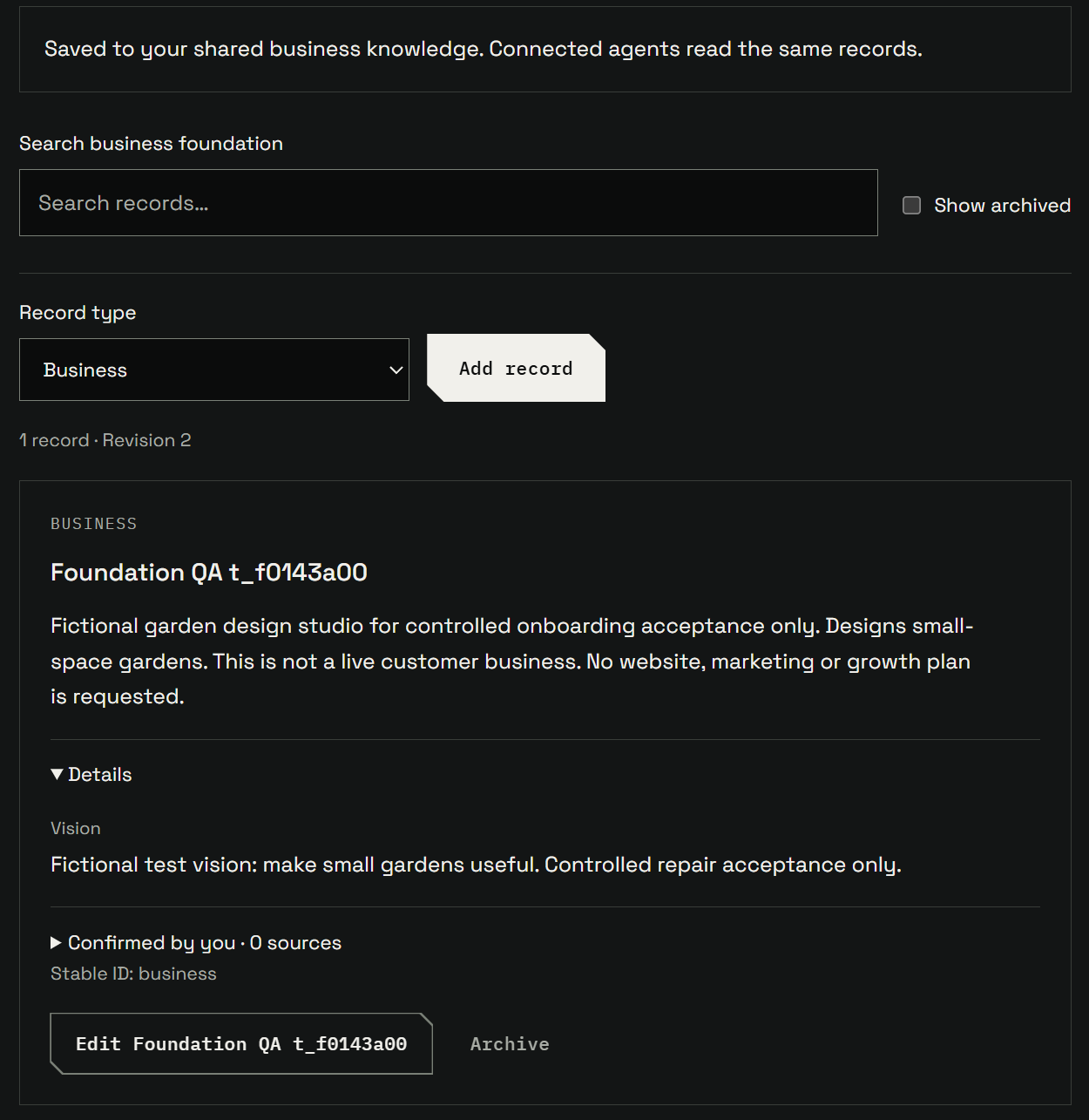
Save what your business does, who it serves and what your product can do in one place. Connected agents can look up those details for their work, and you can correct the same records from your dashboard or through an authorized agent.
- Creator Agents
- Creator Platform

Spend less time explaining your business again
When one agent helps write a product page and another helps prepare a demo, both need to understand your business. Keeping a separate brief for each means repeating the explanation and updating several copies when something changes.
Creator Labs gives your connected agents a shared place to look up what your business does, who it serves and what your product can do. Save that information in the Company area of your Creator Agents dashboard, then ask an authorized agent to retrieve the details relevant to its task.
Give product explanations the details they need
The product catalogue keeps a searchable description of your features, including what each one does, its limits, who can use it and links to documentation. That gives an agent product details to work from when explaining an offer, answering a customer question or preparing a demo.
For example, imagine a startup selling reporting software. A potential customer asks how to prepare a monthly review. The founder can ask an agent to check the saved audience and reporting features, then explain the options that fit. An export feature could help if its saved capabilities and availability match the customer’s needs. The agent can consult those details rather than asking the founder to assemble another product brief.
You or an authorized agent maintain the catalogue. Saving a feature makes its details available for later lookup; it does not automatically collect everything said about your product in agent conversations.
Correct the knowledge in one place
If a feature’s limits change, edit its saved details in the dashboard or ask an authorized agent to save the correction. Both update the same record. The next time a connected agent retrieves that record, it gets the updated details instead of a separately maintained brief.
Each agent needs its own authorized connection and must retrieve the saved knowledge for its work. A correction does not update copies already kept in an agent’s private memory.
Shared business knowledge is available to verified free Creator Agents accounts and connected Creator Platform workspaces within their existing permissions. Open Company to review your business description, audience and product details.